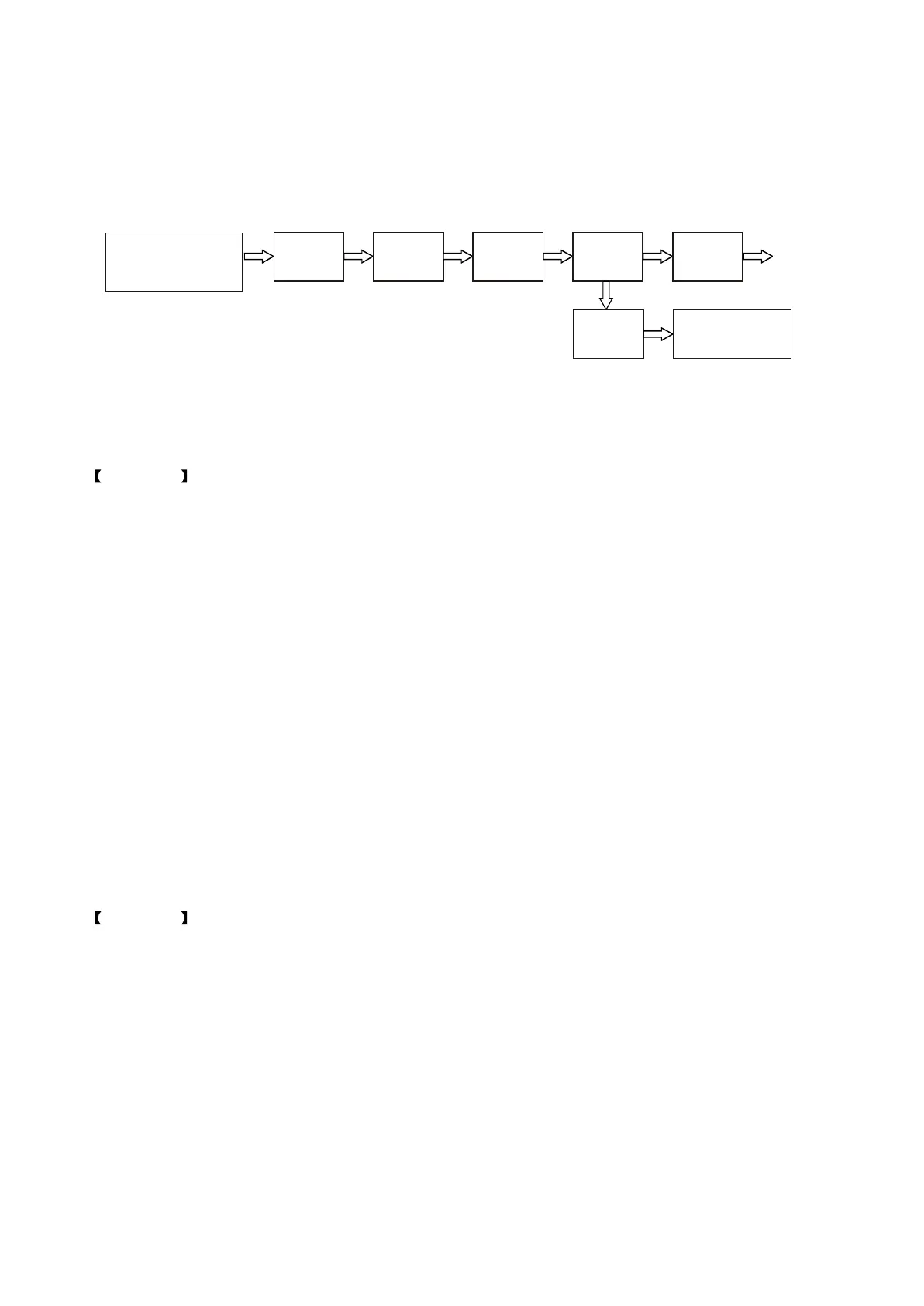
1. External L/R
channel input
2. Tuner
3. MIC
N5
CD4052
N7
CS5340
N4
74HCT125
N12
TAS5508
N13\N14
TAS5512
Output
Operational
amplifier
1. Headphone output
2. Mixed L/R channel
output on AV board
Figure 3.3.1.1 Signal flow chart
Output, then when checking pin 4 of N7, there is no signal output, use multimeter to test whether circuit
between N5 and N7 is connected and also no trouble is found. After changing N7 (CS5340), trouble is
removed.
Example 4 Sound distortion
Analysis and troubleshooting: Step 1: check power amplifier board +28V power supply and +5V,
+3.3V, +12V, -12V and they are all normal, check clock on power board and it is also normal.
Step 2: check waveform and find that all waveform has output, no trouble found.
Step 3: after changing decode board, sound becomes normal, so we can confirm that trouble lies in
decode board.
Step 4: check clock of MT1389 and it is 26.999MHZ, which is normal. Check the output of pin 2 of
+1.8V voltage regulator U202 and it is +1.9V, which is normal. Check DV33 on pin 3 of XS203 and it is
+3.4V, which is also normal.
Step 5: through the above steps, carefully check power supply of MT1389, and find that L235 is
burnt down, resistance value becomes large, after changing L235, trouble is removed.
Conclusion: after some preliminary checking, if trouble is not found, you may change circuit board
to make sure which board trouble lies in to facilitate the next operation. As for sound trouble, if power
supply and clock is both normal, you may consider changing IC.
Example 5 Power amplifier has no sound
Analysis and troubleshooting: shown in the figure 3.3.1.2; Step 1: check power amplifier board
+28V power supply and that on XP101 and they are both normal, check clock and it is also normal.
Step 2: check SDATA0, SDATA1, SDATA2 on pin 2, 3, 4 of XS207 and they all have output, which is
normal.
Step 3: check pin 49 (PWM CEN-) of N12 (TAS5508) and it has no output (you may also check other
output pin), check pin 28, 29, 31 (audio signal input pin) 0f N12 (TAS5508) and all signals have input, so
we preliminarily judge that TAS5508 has trouble.
Step 4: check power supply of TAS5508 and it is normal. After changing TAS5508, trouble is not
removed.
- 31 -



 To Next Page