EasyManua.ls Logo

BBK DK1410SI - Page 50

BBK DK1410SI
128 pages
Print Icon
To Next Page IconTo Next Page
To Previous Page IconTo Previous Page
Loading...
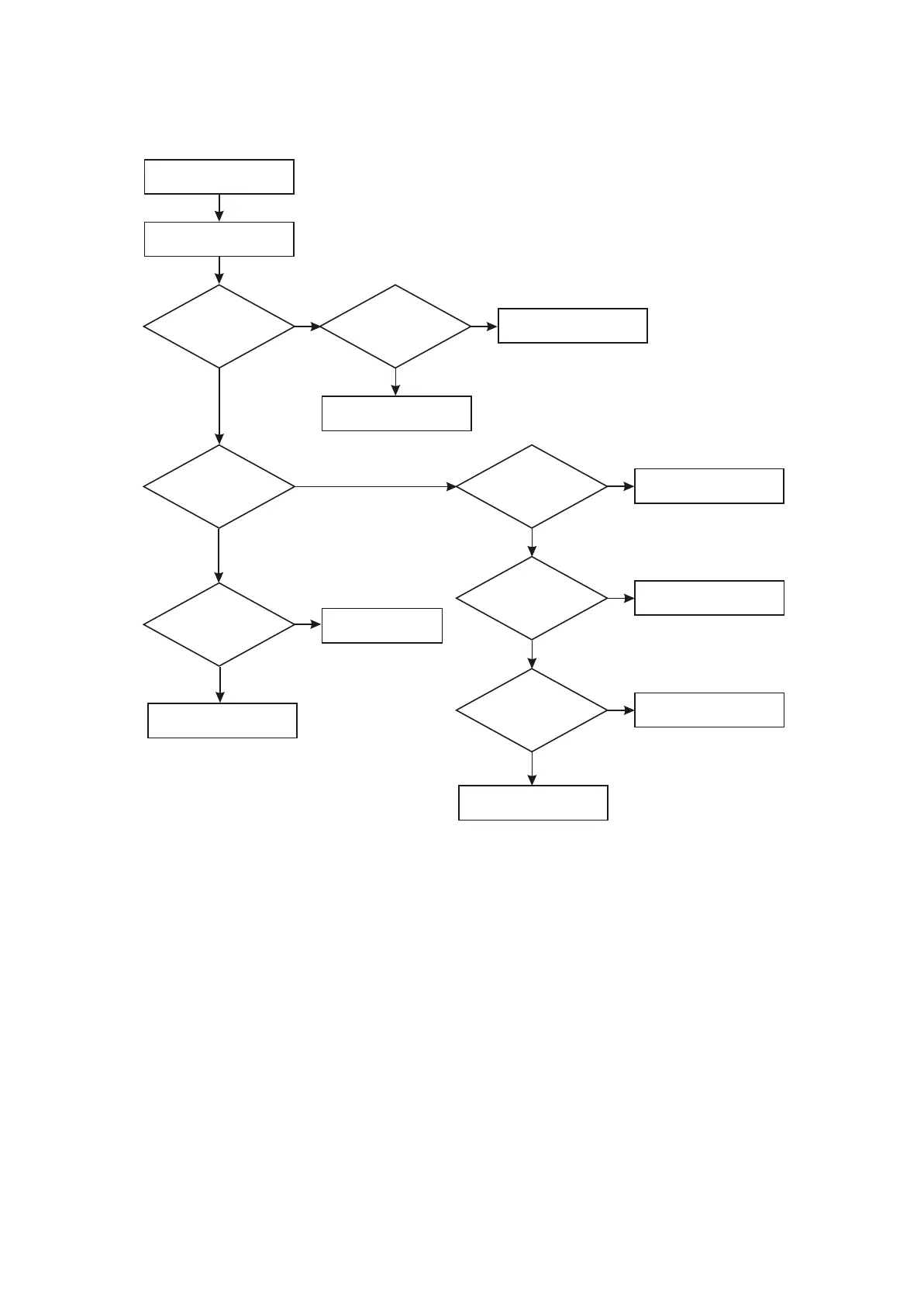
9. Troubleshooting process for no sound of headphone is shown as the following figure :3.3.2.9
No sound of headphone
Insert headphone
Change headphone holder
Check flat cable of XS106,
XP106
Change headphone holder
Check flat cable of
XS106, XP106
N
Y
Y
Y
N
N
Whether pin 7 HDET
of Xs201 is low level
Whether pin 6 HDET
of XS106 is low level
Use oscillograph
to test whether pin 5, 6
of XS201 have H-L,
H-R signal
Whether pin 1,
2 of XS106 have
H-R, H-L signal
Check power supply circuit
Change N12 (TAS5508)
Change N11
Change N10
Y
Y
Whether power
supply of N10, N11
(4580) is normal
Use oscillograph
to test whether PWMHPR,
PWMHMR signal
has output
Y
Whether pin 1,
7 of N10 (4580)
has output
N
Y
N
N
N
Figure Troubleshooting flow chart for no sound of headphone
3.3.2.9
- 46 -

Table of Contents

Related product manuals