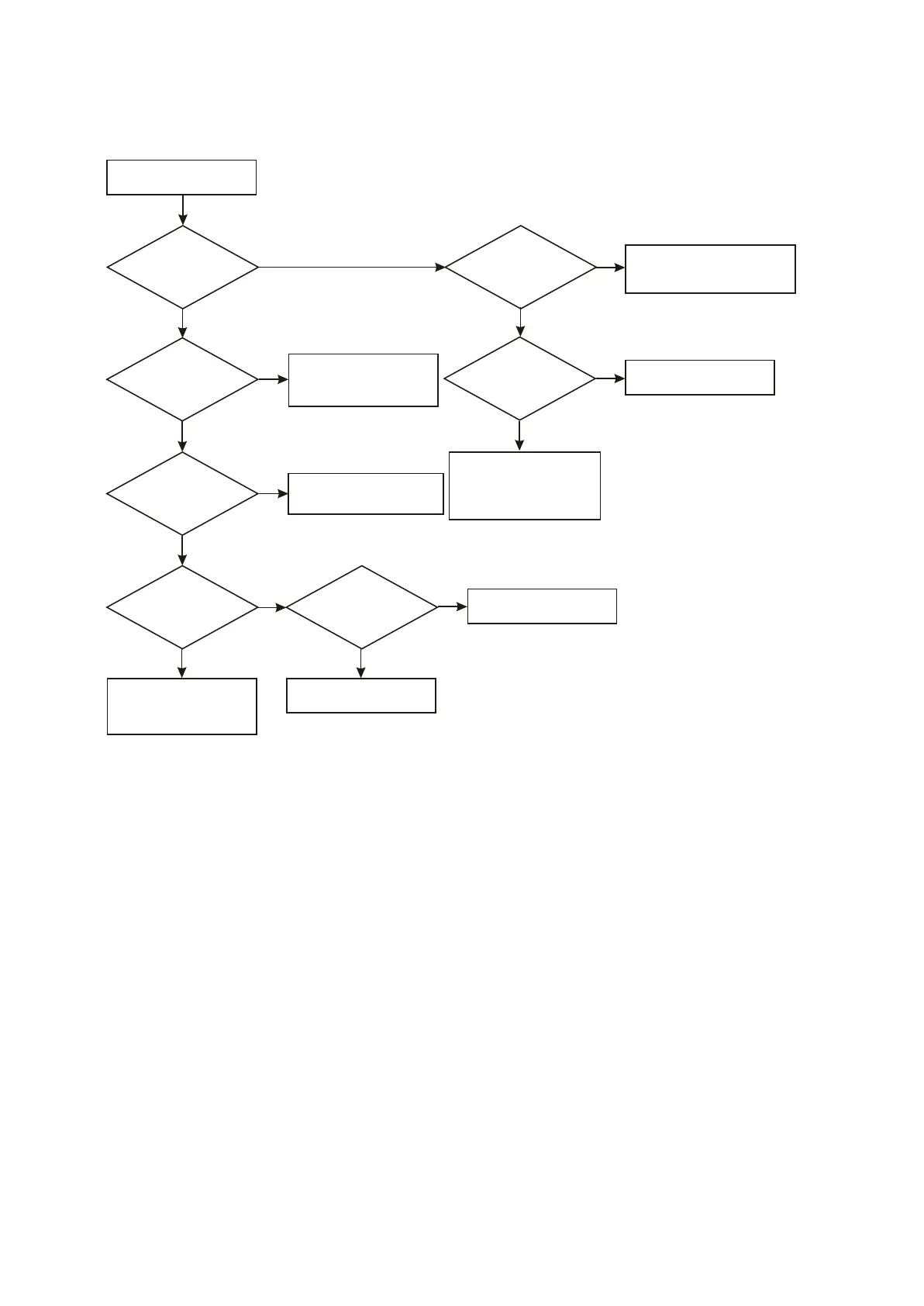
Figure 3.3.2.10 Troubleshooting flow chart for no echo in microphone
1. Check whether R618 has
open circuit or variable value
2. Change U601 (4558)
Check VD602 and R619
1. Check whether D603 has
open circuit
2. Whether Tc611 and R620
has electrical leakage or
short circuit
N
N
Check peripheral circuit
of CS5340
Check whether
cathode of VD603 has a
voltage that changes with
microphone volume
change
Y
N
No echo
OK
Y
N
N
Y
Y
N
Y
Y
N
Y
Check whether DET
has a voltage that changes with
microphone volume change
when microphone
is outputting.
Check whether
N7 (CS5340) power
supply voltage and clock
signal are normal
Check whether
pin 14 of N7 (CS5340)
has OK signal input
Check whether
pin 4 of N7 (CS5340)
has output
1. Check the path between
pin 4 of and pin 224
of Mt1389.
2. Change MT1389.
N7
Change CS5340
and check whether
it is normal
Check the path between OK
signal on MIC board and
CS5340 on decode board
Check power supply circuit
when there is no voltage;
change Mt1389 when there
is no clock
10. Troubleshooting process for no echo of microphone is ahown as the following figure : 3.3.2.10
Check
whether pin 7 of N1 (4558)
has a voltage that changes with
microphone volume
change
- 47 -



 To Next Page