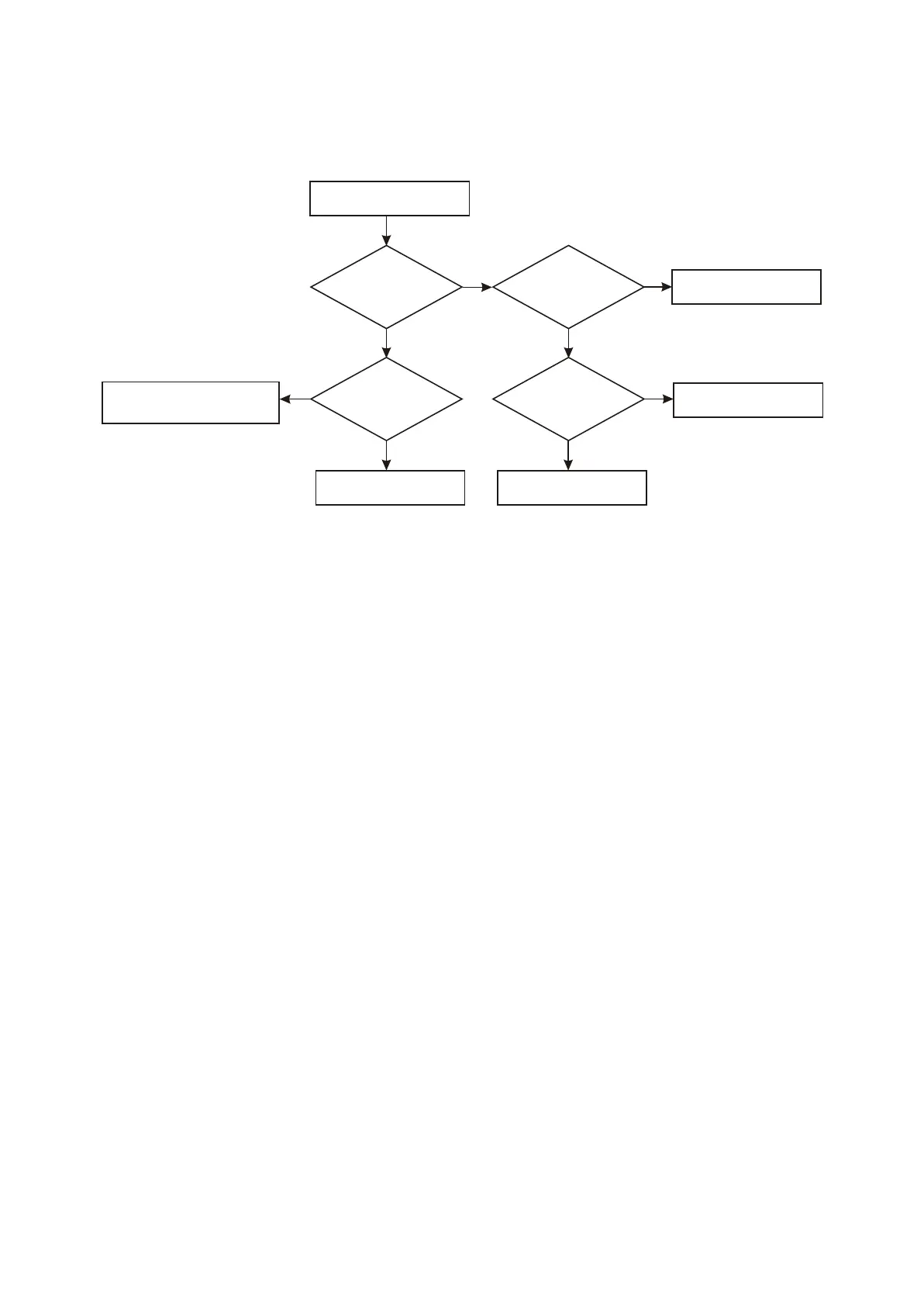
No remote control function
(remote controller is normal)
When pressing
remote controller, use
oscillograph to check
whether pin 1 of flat
cable holder Xp201
has output
Check whether
5V power supply of pin 3
of N103 (REMOT)
is normal
Check the relevant power
supply circuit
N N
When pressing
remote controller, use
oscillograph to check
whether pin 11 of U201
(MT1389)
has output
When pressing
remote controller, check
whether pin 1 of N103
(REMOT) has output
Check the path between pin 11
of U201 (MT1389) and pin 1 of
XP201.
Change U201 (MT1389)
Check whether R124 has
broken circuit
Y
N
Y
Y
Y
Change N103 (REMOT)
N
11. Troubleshooting process for no remote control function is shown as the following figure
: 3.3.2.11
Figure Troubleshooting flow chart for no remote control function3.3.2.11
- 48 -



 To Next Page