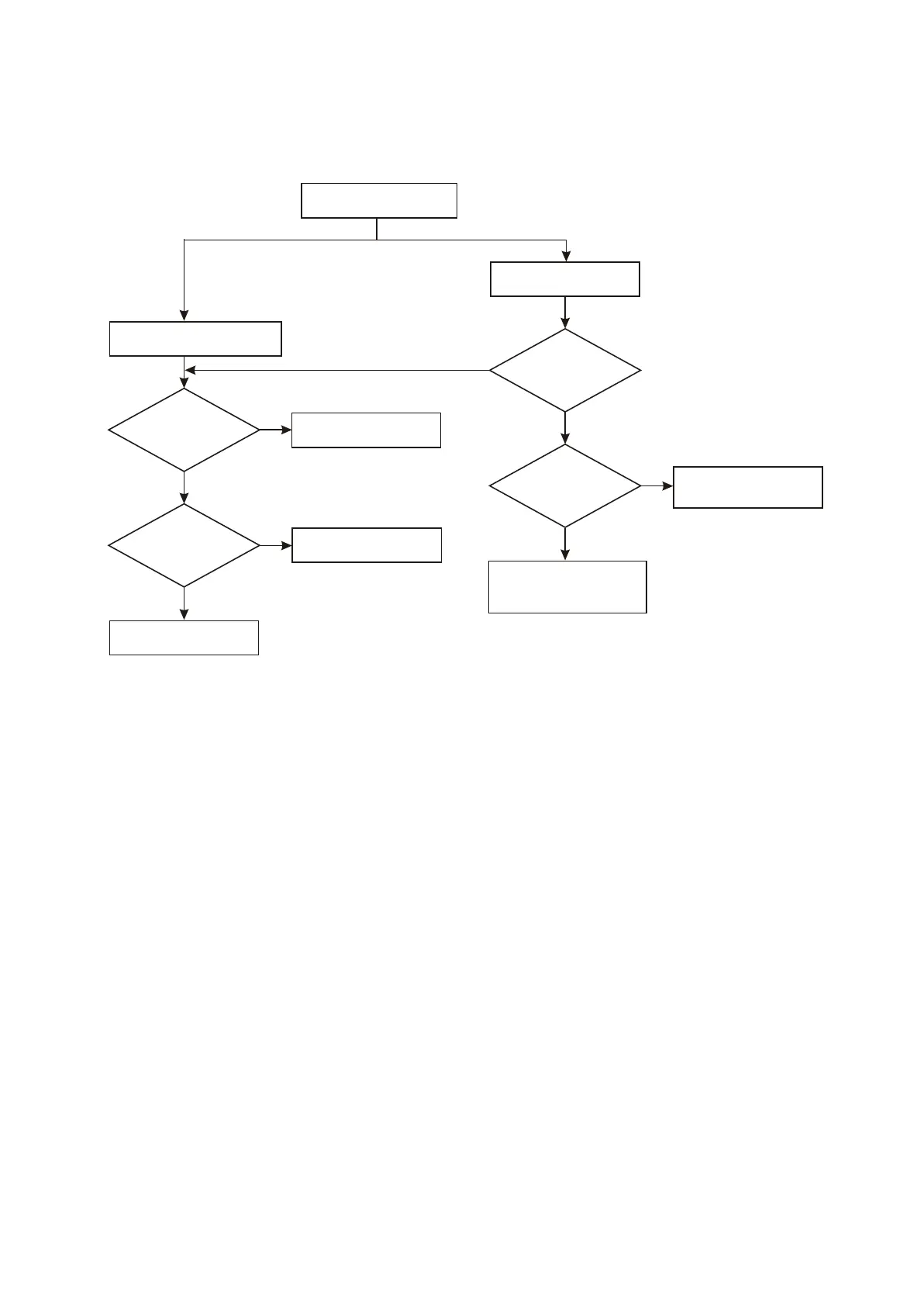
There is sound but no image
Each path signal has no output
One path has no output
Check power supply circuit
Refer to troubleshooting
process of clock circuit
Check matching resistor
filtering and capacitor
catching diode
Change 1389
N
Y
Y
N
Check capacitor, inductor
and output terminal of this
path signal on AV board path
Y
Y
Y
N
N
Whether the
corresponding pin of
MT1389 has
output
Whether the
corresponding signal
(VIDEO-COMP) J of
catching diode
is normal
Whether clock
signal of MT1389 is
normal
Check whether
power supply of 1389
is normal
12. Troubleshooting process for there is sound but no image is shown as the following figure
:3.3.2.12
Figure Troubleshooting flow chart for there is sound but no image3.3.2.12
- 49 -



 To Next Page