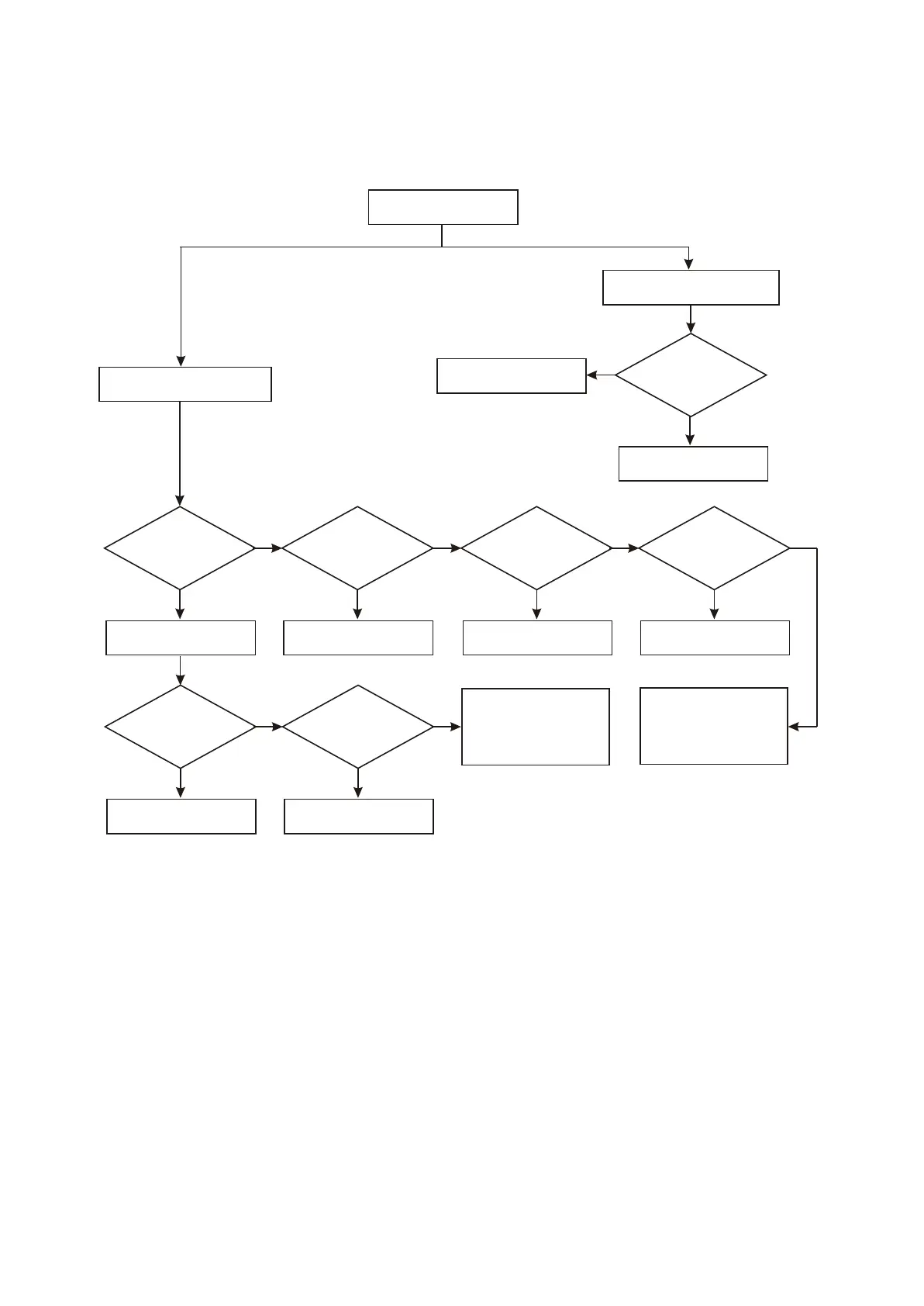
14. Troubleshooting process for power supply output power not enough is shown as the following
figure :3.3.2.14
Figure 3.3.2.14 Troubleshooting flow chart for “Output power of power supply is not enough”
1. Check whether earth
capacitor, such asTC513
is electrical leakage or
short circuit
2. Change 5L0380
3. Check feedback loop
Y
N
OK
Y
OK
N
Y
OK
N
Y
OK
N
Y
OK
N
Y
N
OK
Y
OK
N
Y
Y
Change TC509,
C510 and check
whether it is normal
Change D509 and
check whether it
is normal
1. Check rectification diode
on bridge circuit
2. Check other circuits
Change D506, TC502
and C504 and check
whether it is normal
Change U501 (5L0380)
Whether it is normal
after changing TC501
Insert decode board
and check whether
310V voltage exists
on TC501
Change filter capacitor
of this channel
Change this channel
rectification diode
and check whether
it is normal
Several channels’ output power
of power supply are not enough
Only one channel’s output power
of power supply is not enough
Output power of power
supply is not enough
- 51 -



 To Next Page