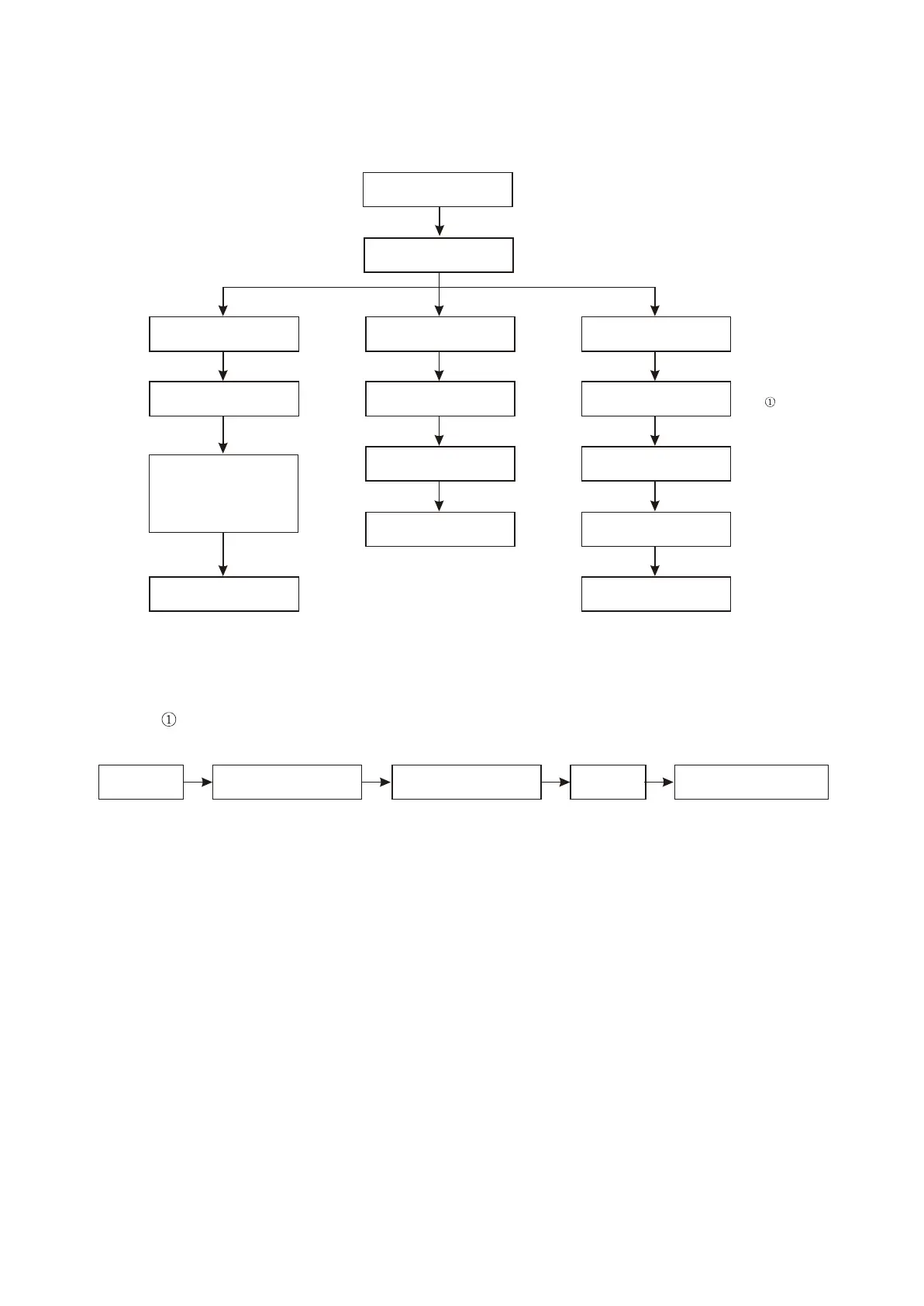
15. Troubleshooting process for image distortion is shown as the following figure :3.3.2.15
Recover factory settings
Check whether clock
signal is normal
Note
Composite video signal
distortion
Component video distortion
All video outputs distortion
Check whether catching
diode VD214 is normal
Check whether there is one
path output in three paths
Check whether matching
resistor R107 and C110,
C111, L110, L120 in filtering
circuit are normal
Check the catching diode
on each component
Change MT1389
Check whether power
supply of MT1389 is OK
Change MT1389
Change MT1389
Note : the process of restoring factory settings is shown as the following figure :3.3.2.16
Open disc
tray door
Press SETUP button on
remote control
Switch to common setup
Default Press SELECT button twice
Figure Troubleshooting flow chart for image distortion3.3.2.15
Figure Operation flow chart of restoring factory settings
3.3.2.16
Check clock circuit
Image distortion
- 52 -



 To Next Page