Chapter 7: Fluidic Connection and In-line Fluidic Filter Replacement 39
Replacing the Filters
1 Turn off and remove the HTS from the cytometer (see Chapter 2).
2 Replace the two liquid connections between the cytometer and the HTS:
a Move the HTS away from the cytometer to provide access behind the
HTS.
b Disconnect the quick-connector at the cytometer interface panel and
the back of the HTS (orange quick-connector end in Canto II).
c Disconnect the quick-connector at the cytometer interface panel and at
the white quick-connector on the back of the HTS unit (blue quick-
connector end in Canto II).
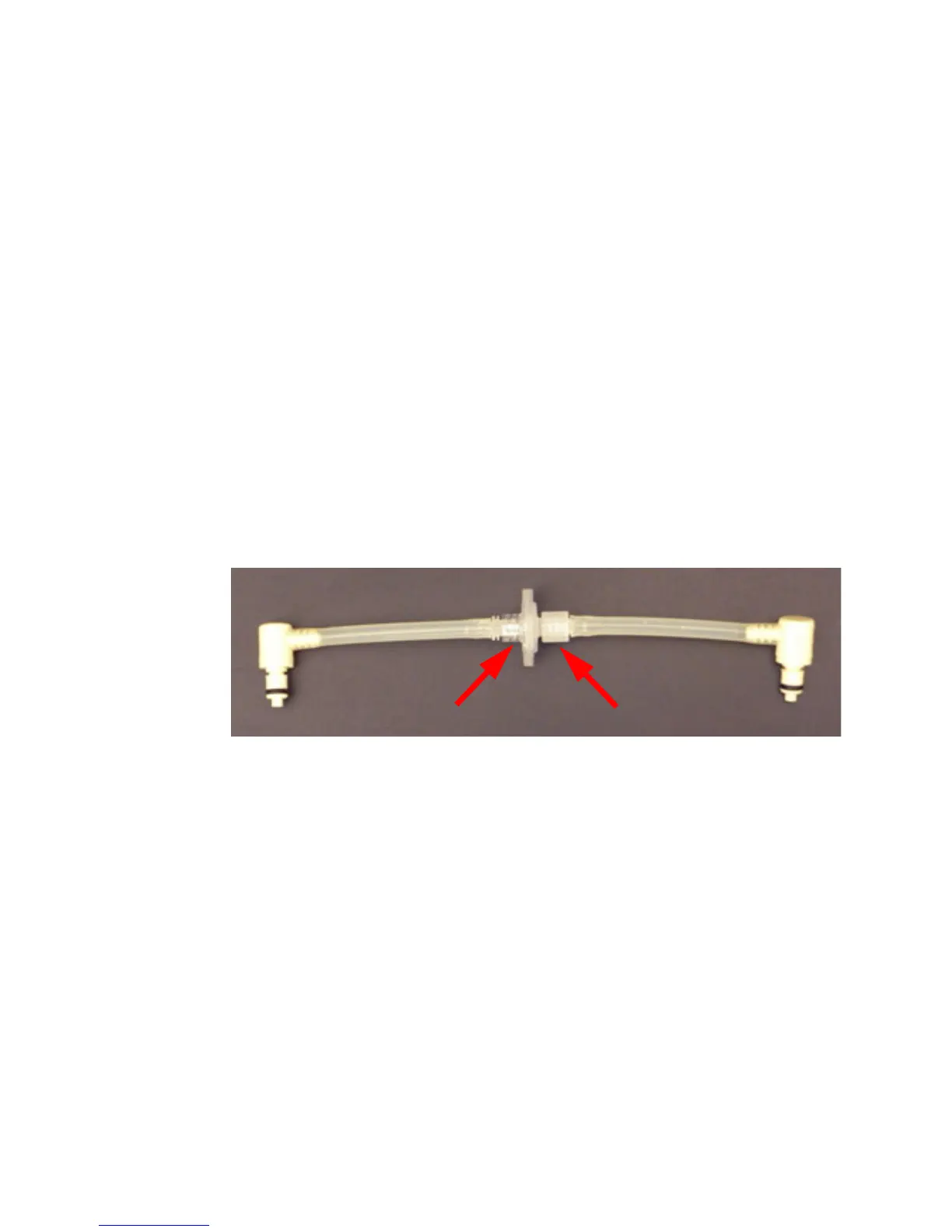
d Remove the tubing from the filter by twisting the Luer connections.
.
e Install the sheath line with the lock-ring end toward the cytometer
panel.
This will prevent foreign material that accumulates on one side of the
filter from flushing into the HTS if the filter is reversed.
3 Replace the filter and reconnect all tubing.
4 Install the HTS on the cytometer (see Chapter 2).



 To Next Page