24 HTS Customer Care Kits User’s Guide
NOTE Use caution when handling the sample injection port assembly. This
assembly is fragile and can be easily damaged.
Replacing Tubing Assembly Components
1 Turn off the cytometer and HTS and move the sample probe into the
sample injection port.
2 Remove the sample probe tubing assembly.
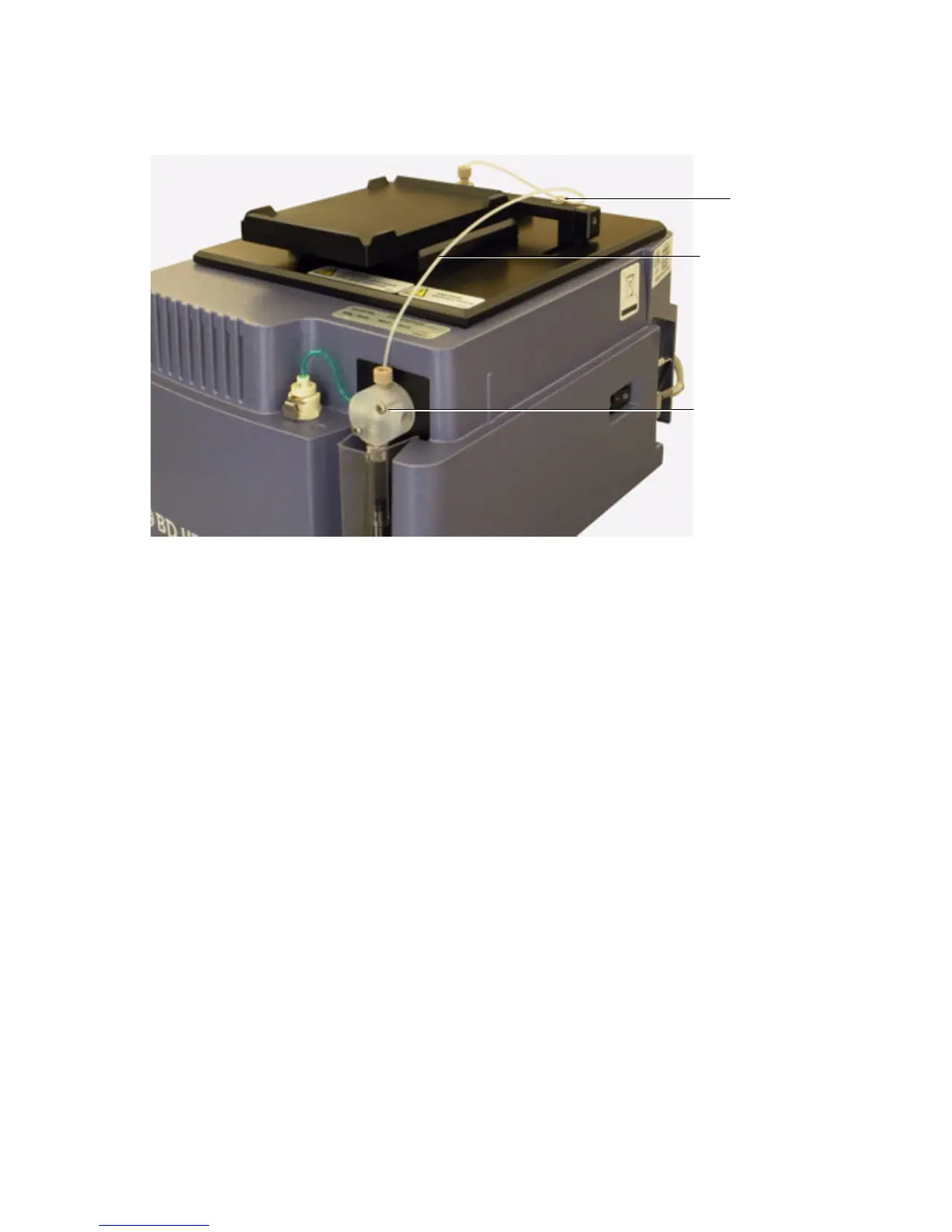
3 Unscrew the sample injection tubing from the probe and the top of primary
pump.
The sample injection tubing connectors are indicated in the following
figure.
Clamp
Primary pump
Tubing assembly



 To Next Page