18 HTS Customer Care Kits User’s Guide
Replacing Wash Station Components
1 Perform the monthly cleaning procedure to decontaminate the sample
injection port/wash station. For instructions, see your BD High
Throughput Sampler User’s Guide.
2 Turn off the cytometer and HTS if needed.
3 Remove the HTS according to procedure in Chapter 2.
4 Move the probe arm up and toward the front of the HTS.
5 Unscrew and remove the sample injection tubing from the top of the
secondary pump.
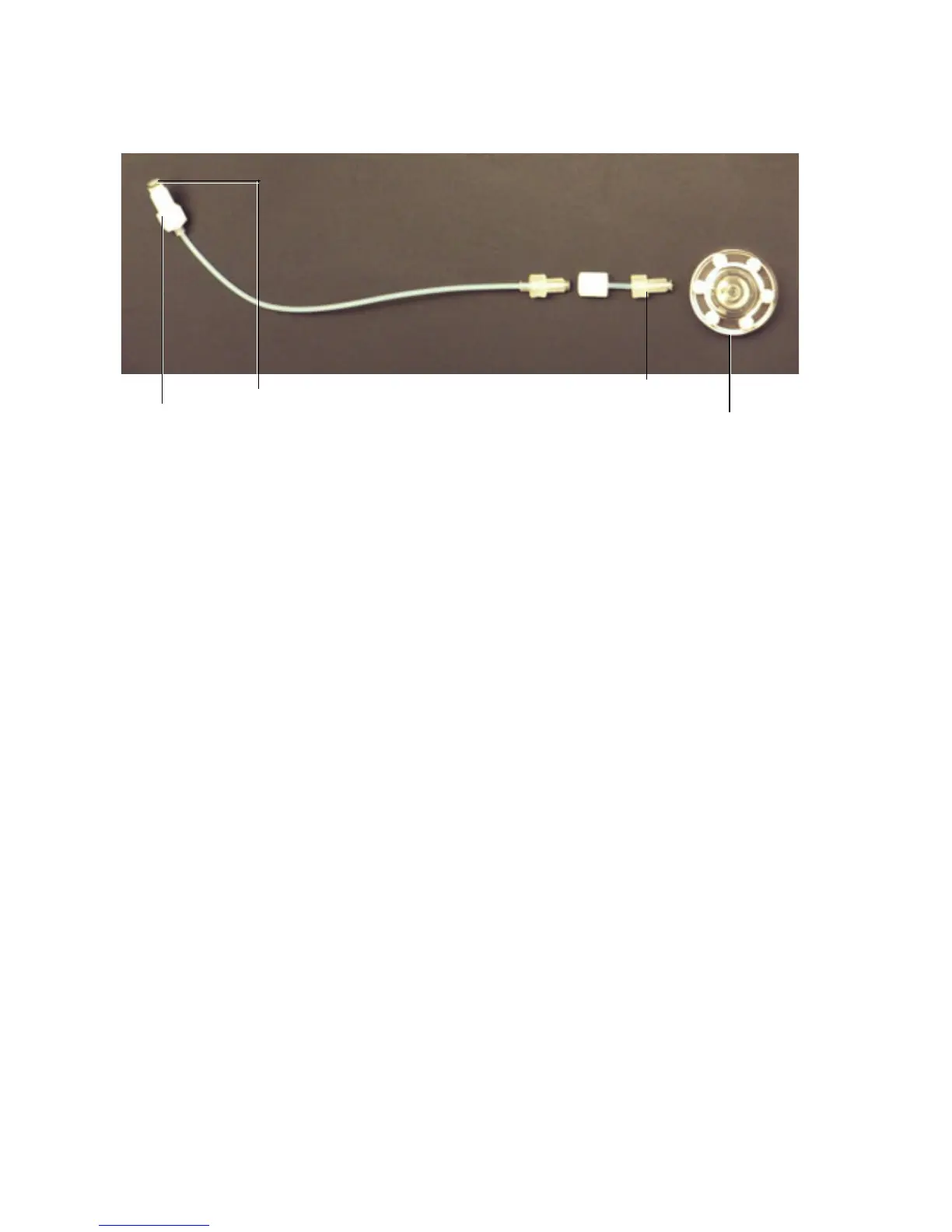
Injection port/wash station
Injection port tubing
Sampler coupler
Sealing washer



 To Next Page