Chapter 2: HTS Removal and Reinstallation 11
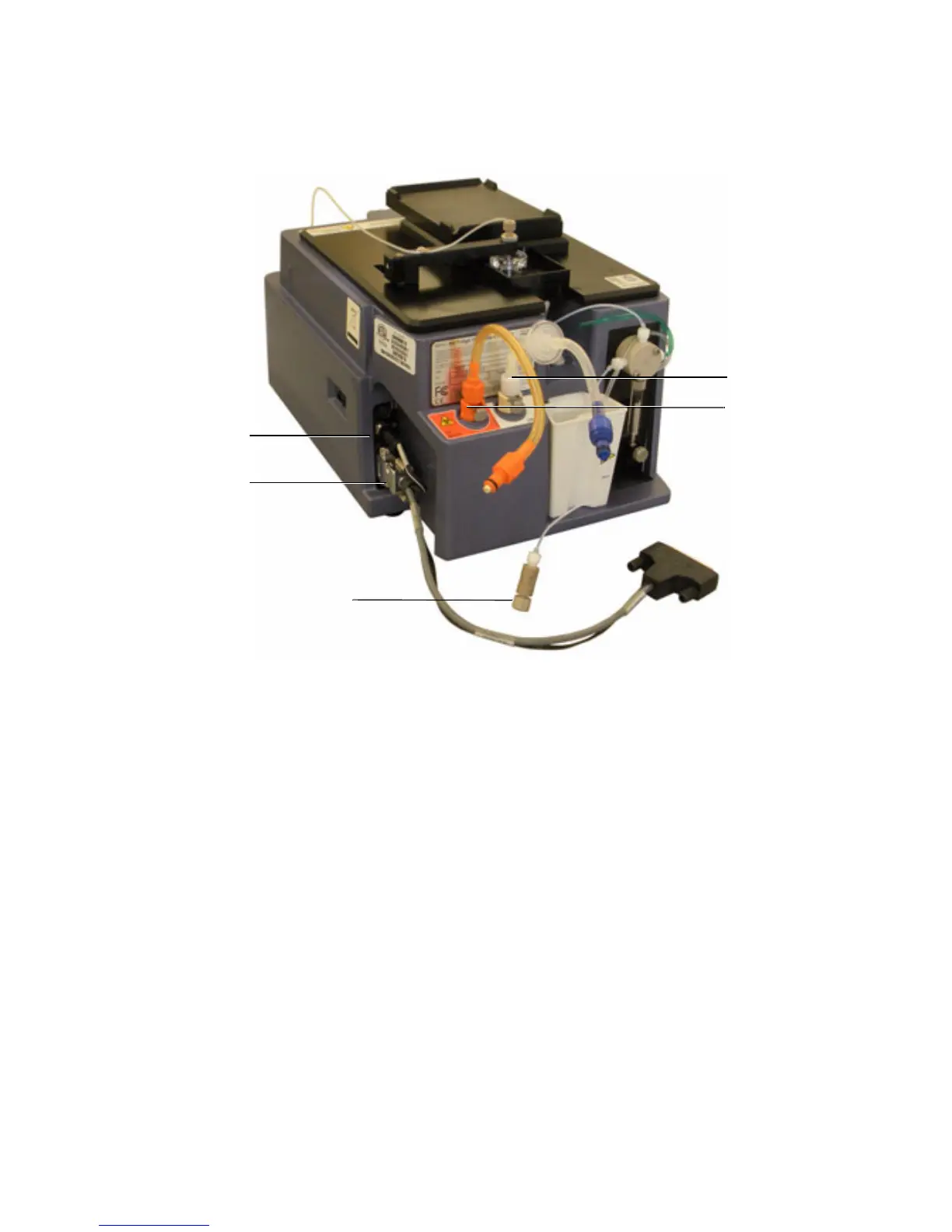
11 Place the HTS unit on a stable work bench.
Reinstalling the HTS
1 Place HTS on support bracket.
2 Connect the interlock cable to the HTS.
3 Connect the interface cable to the HTS.
4 Connect the waste tubing to the waste connector on the HTS.
5 Connect the sheath tubing to the sheath connector on the HTS.
6 Connect the sampler coupler to the SIT on the cytometer.
Waste tubing
connection
Interlock cable
connection
Sampler coupler
Sheath tubing
connection
Interface cable
connection



 To Next Page