Chapter 8: Probe and Probe Tubing/Body Assembly Replacement 43
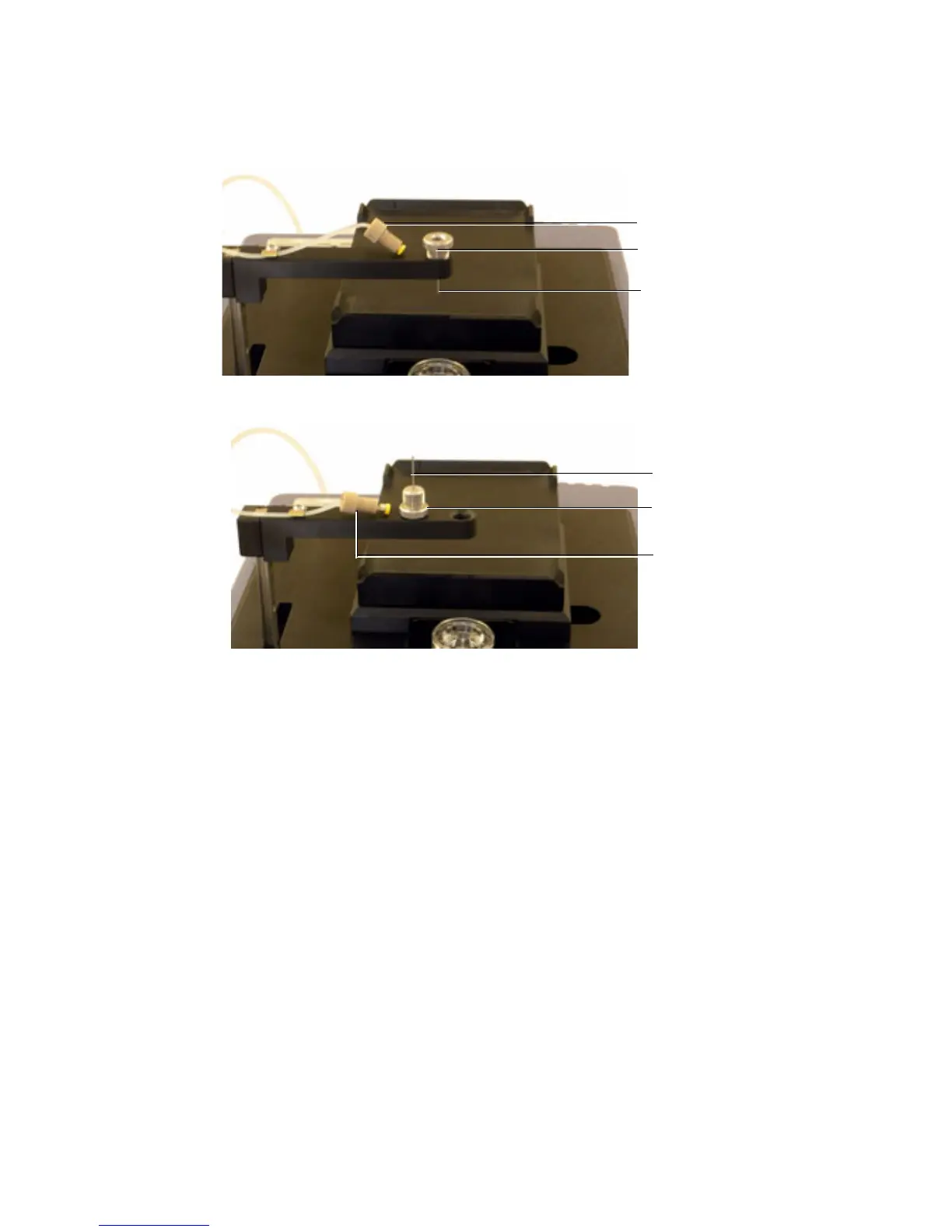
3 Unscrew the tubing connector from the probe.
4 Unscrew the probe nut and remove the probe from the arm.
5 Install and tighten a new probe.
a Tighten the probe nut at the top of the probe and attach the tubing
connector to the probe.
6 Turn on the cytometer and HTS if needed.
7 Start BD FACSDiva software and perform an HTS prime.
Tubing connector
Probe
Probe nut
Tubing connector
Probe
Probe nut



 To Next Page