Alaris™ GP (Guardrails™) Volumetric Pump
Basic Features
BDDF00535 Issue 1
20/56
Basic Features
Drugs and Dosing
The following options enable the Pump to be set-up for use with a specific drug protocol. Drugs are pre-configured in the Alaris Editor
to enable rapid selection of the drug protocol, dosing units and default rate. For increased security when using a configured drug,
maximum and minimum safety limits can be set for concentrations and dose rates via the Alaris Editor.
w
When adjusting an infusion using the dose rate, the display may not show any corresponding changes to the
infusion rate in ml/h. This does not affect the accuracy of the infusion.
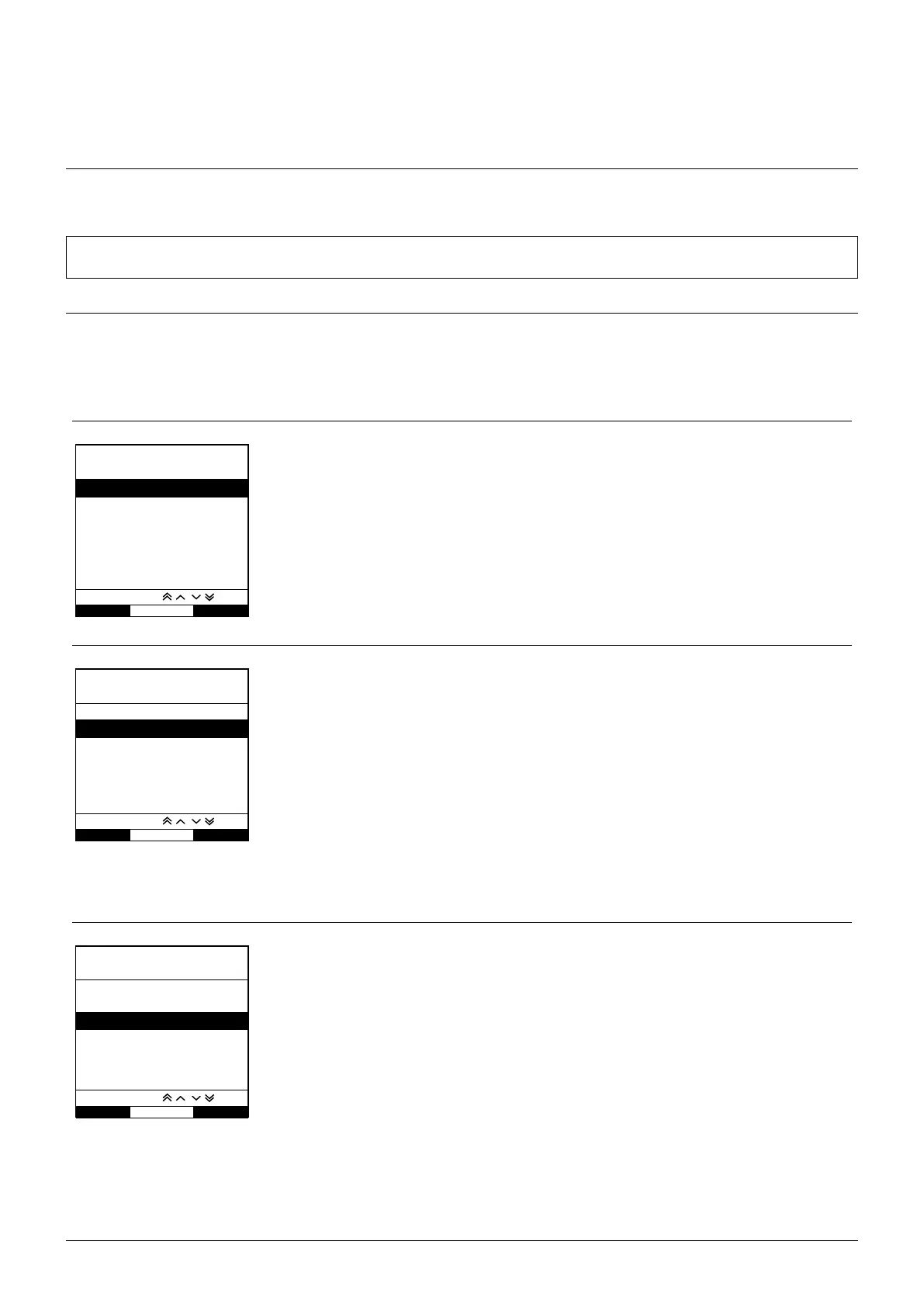
Selecting the INFUSION SETUP
1. Press the d button to first access the options menu.
2. Drugs and dosing set-up options are available by selecting INFUSION SETUP from the list using the
f keys.
3. Select from the list of the options (ml/h, DOSING ONLY or DRUGS) as detailed below and press the OK softkey to confirm the
selection.
ml/h
SELECT
OK QUIT
ml/h
DOSING ONLY
DRUGS A B C D E
F G H I J
K L M N O
P Q R S T
U V W X Y Z
SELECT WITH
1. Select ml/h from the list using the f keys (if necessary).
2. Press OK to confirm.
3. Enter the ml/h rate as prompted on the display in the next screen.
Dosing Only
SELECT
OK
ml/h
DOSING ONLY
DRUGS A B C D E
F G H I J
K L M N O
P Q R S T
U V W X Y Z
SELECT WITH
QUIT
1. Select DOSING ONLY from the list using the f keys.
2. Press OK to confirm.
3. Select the dosing units from the list using the
fkeys, press OK to confirm.
4. Enter DRUG AMOUNT using the
f keys and if units need to be changed, select
UNITS which will scroll through the units available. Press OK to confirm selection.
5. Use the
fkeys to select the TOTAL VOLUME
2
, press OK to confirm.
6. Enter WEIGHT
1
using the fkeys, press OK to confirm.
7. A summary of the DOSING ONLY information is displayed, to CONFIRM? all details shown
press OK. The BACK softkey may be used at any time to return to the previous screen.
1
Only displayed if weight based units are used.
2
Total Volume = Drug Volume + Diluent Volume i.e. Total Volume of fluid in the fluid container
after a drug is added.
Drugs
SELECT
OK
ml/h
DOSING ONLY
DRUGS A B C D E
F G H I J
K L M N O
P Q R S T
U V W X Y Z
SELECT WITH
QUIT
1. Select the required DRUGS alphabetical row from the list using the f keys.
2. Press OK to confirm.
3. Select the drug from the displayed list using the
fkeys, press OK to confirm.
4. Enter DRUG AMOUNT using the
f keys, press OK to confirm selection.
5. Use the
fkeys to enter the TOTAL VOLUME
2
, press OK to confirm.
6. Enter WEIGHT
1
using the fkeys, press OK to confirm.
7. A summary of the DRUG information is displayed, to CONFIRM? all details shown press OK.
The BACK softkey may be used at any time to return to the previous screen.
1
Only displayed if weight based units are used.
2
Total Volume = Drug Volume + Diluent Volume i.e. Total Volume of fluid in the fluid container
after a drug is added.











 To Next Page