Alaris™ GP (Guardrails™) Volumetric Pump
Getting Started
BDDF00535 Issue 1
19/56
Starting the Infusion
w
When operating the Pump, Users should position themselves at a distance of approximately 0.5 metres from the
display.
w
Prime and load the set (Refer to 'Priming the Infusion Set' and 'Loading an Infusion Set')
1. Ensure the Pump is connected to an AC power supply (also operates from battery).
2. Connect flow sensor, if required (See 'Flow Sensor Operation' section).
3. Press the
a key.
The Pump will run a short self-test. Check two beeps are activated during this test.
Check the displayed date and time are correct. Check display shows the data set name and version number.
Note: The Pump starts up and displays previous settings.
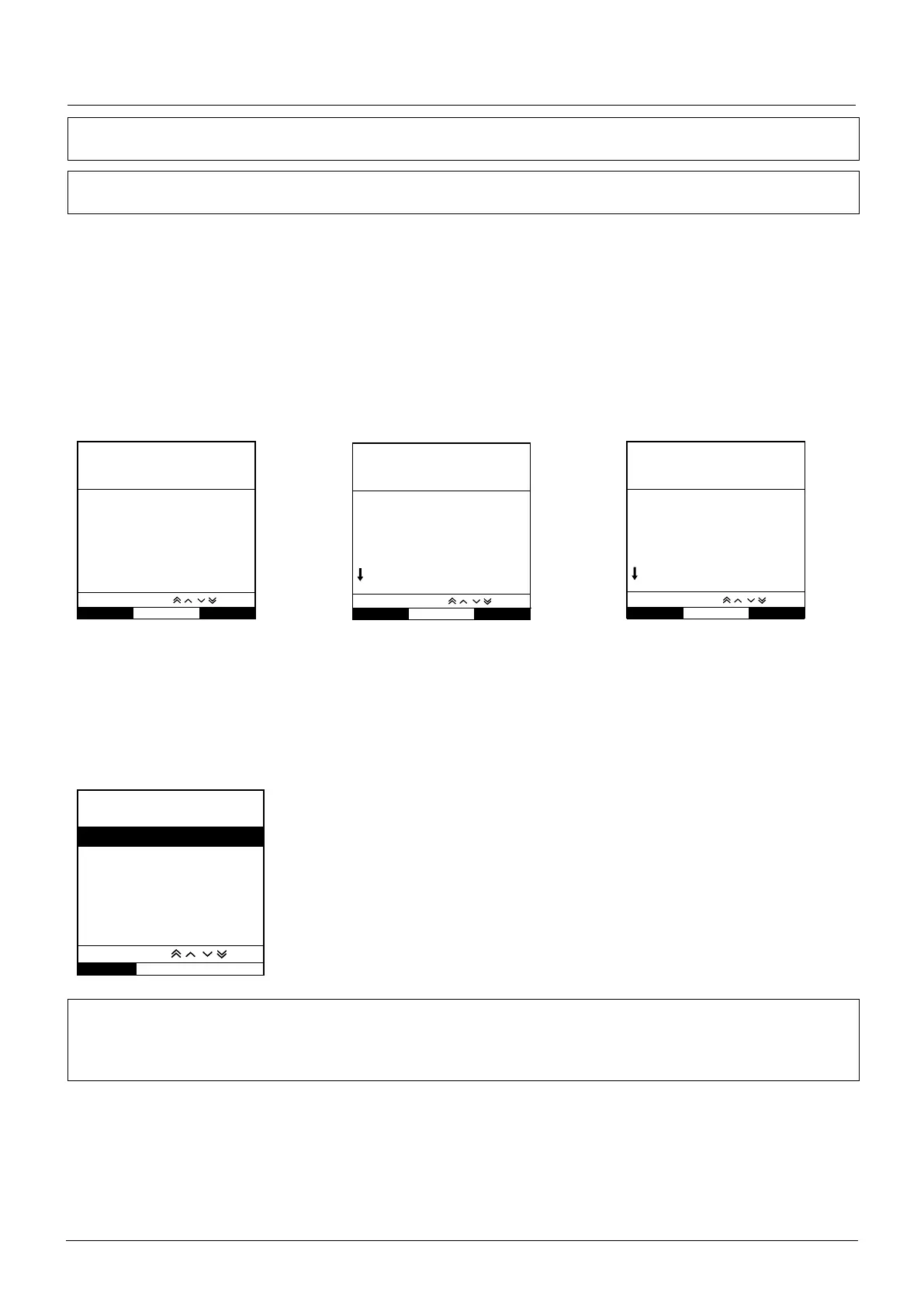
4. CLEAR SETUP? - Selecting NO will retain all previous rate and volume settings, go to step 7. Selecting YES will automatically reset
the rate and volume settings to zero and the CONFIRM PROFILE? screen will be displayed.
• ml/h • Drug Protocol • Primary/Secondary
• Dosing Only • Drug Protocol
PROFILE NAME
RATE 300ml/h
VTBI 46.5ml
VOLUME 3.5ml
YES
NO
CLEAR SETUP?
VIEW WITH
CLEAR SETUP?
PROFILE NAME
CONCENTRATION
0.50mg/50ml
=0.01mg/ml
RATE 150ml/h
=0.00mg/kg/min
VTBI 100ml
=1.00mg
YES
NO
VIEW WITH
CLEAR SETUP?
PROFILE NAME
PRIMARY SETUP
RATE 300 ml/h
VTBI 50.0 ml
SECONDARY SETUP
RATE 150 ml/h
VTBI 95.0 ml
YES
NO
VIEW WITH
5. CONFIRM PROFILE? screen will show the data set name, version number and profile name:
a) Press YES softkey to confirm current profile and go to step 6.
b) Selecting NO will display the profile selection screen, select correct profile using
f keys and press OK softkey to
confirm. Confirm profile screen will display again, press YES softkey and SELECT screen will be displayed, go to step 6.
Note: The CONFIRM PROFILE screen is only shown if more than one profile (For Alaris GP Guardrails Volumetric Pump only) is
available in the data set. If a profile has been filtered, then the option to select ALL will be displayed in the profile selection
screen. Selecting ALL will show the filtered profiles (If enabled).
SELECT
OK
ml/h
DOSING ONLY
DRUGS A B C D E
F G H I J
K L M N O
P Q R S T
U V W X Y Z
SELECT WITH
6. Select either ml/h, DOSING ONLY or DRUGS (A-Z) and press OK to confirm. Then follow the
prompts as required (Refer to 'Basic Features -Drugs and Dosing' section).
7. Clear VOLUME infused , if required (Refer to 'Clear Volume Infused' section, this is
recommended for a new patient or when a new infusion is set-up).
8. Enter VTBI (if required) by selecting VTBI softkey on main display. Set VTBI by using the
BAGS option and/or
f keys and press OK to confirm (Refer to 'Setting a VTBI' or
'Setting VTBI over Time' section).
9. Enter or adjust the RATE (if necessary) using the
f keys.
10. Press
b key to start the infusion. INFUSING will be displayed.
Note: The green run LED will flash to show that the Pump is infusing.
w
If the infusion requires to be stopped immediately, the following actions may be applied:
• by pressing the h key (recommended action)
• by closing the roller clamp
• by opening the door











 To Next Page