Alaris™ GP (Guardrails™) Volumetric Pump
Basic Features
BDDF00535 Issue 1
22/56
Pressure
PRESSURE
OK
L1
L5
ADJUST WITH
PUMPING PRESSURE
ALARM LIMIT
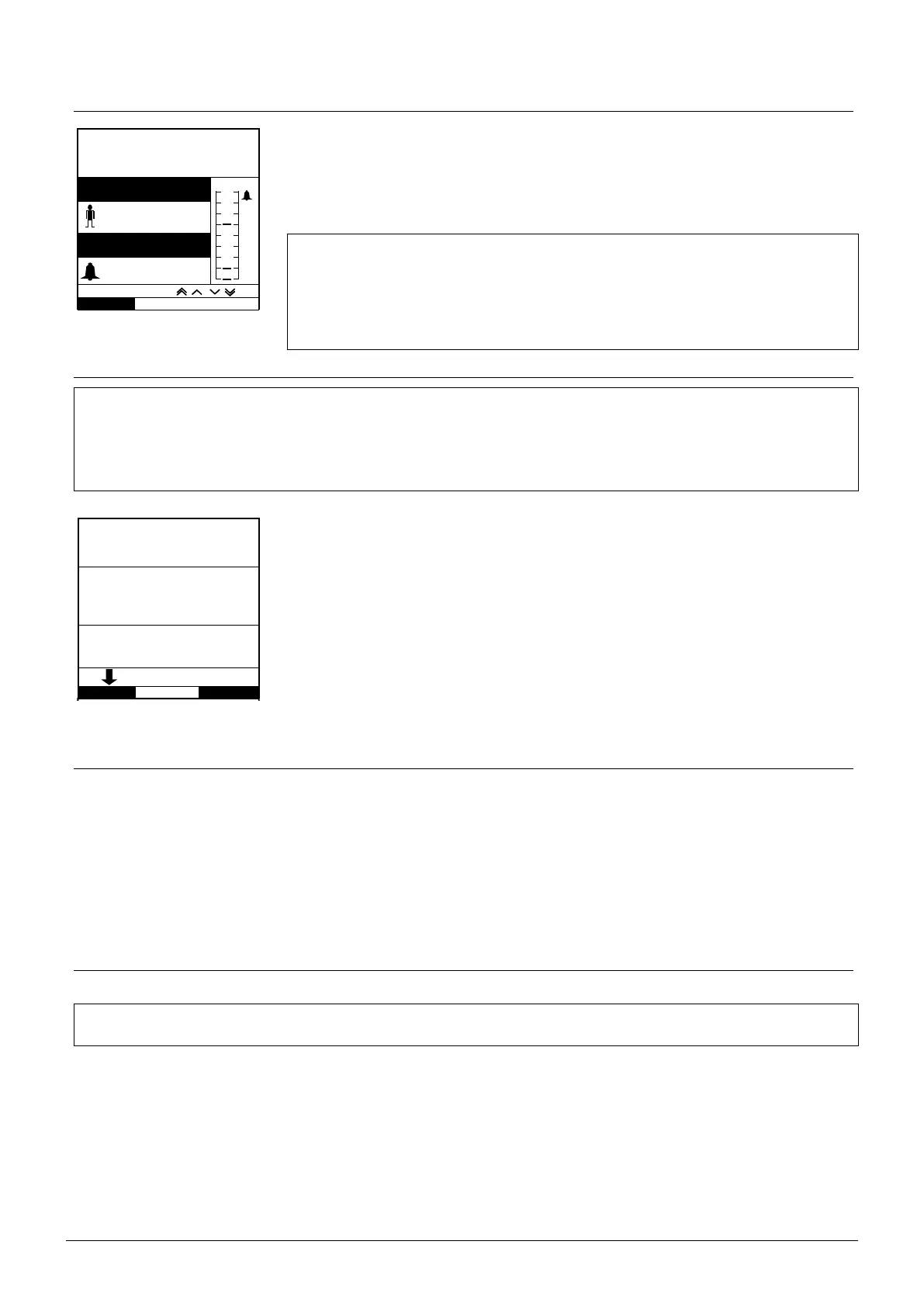
To check and adjust the pressure level, press the e button. The display will change to show the
current pumping pressure level and the pressure alarm limit. The default pressure alarm limit can
be set via the Alaris Editor.
1. Press the
f keys to increase or decrease the alarm limit (L0 to L8). The new limit will
be indicated on the display.
2. Press OK to exit the screen.
w
• Higher rates generate higher pumping pressures. To avoid nuisance alarms,
L0 and L1 levels should not be used for rates above 200ml/h.
• The interpretation of pressure readings and occlusion alarms are the
responsibility of the clinician depending on the specific application.
• Occlusion levels for the Pump are configured in the Alaris Editor by profile
and by drug.
Priming the Infusion Set
w
• Ensure the infusion set is not connected to a patient before priming the set.
• The prime rate and prime volume limit are configured in the data set via the Alaris Editor.
• The default prime rate is 500ml/h.
• The Pump will not prime if rate lock has been activated. During PRIME the pressure alarm limit is temporarily
increased to the maximum level (L8).
PRIME
RATE
PRIME
QUIT
ml/h
VOLUME
HOLD KEY BELOW
ml
25.0
1.8
The i button allows the delivery of a limited volume of fluid in order to prime the infusion set
prior to being connected to a patient.
1. Press
a key to switch the Pump on.
2. Load the infusion set. Refer to 'Loading an infusion set' section.
3. Follow the 'Starting the Infusion' section, but do not connect the infusion set to the patient
until the set has been primed.
4. Open the roller clamp.
5. Press
i button to display the PRIME screen.
6. Press and hold the (flashing) PRIME softkey until the fluid flows and the priming of the
infusion set is complete. The volume used during priming will be displayed, but it is not
added to the volume infused.
7. When priming is complete release the PRIME softkey.
Bolus Infusions
Bolus - Administering a controlled volume of fluid or drug at an increased rate for diagnostic or therapeutic purposes. The Pump
should always be infusing and always attached to the patient (Drugs given by an IV bolus could achieve immediate and high drug
concentration levels).
Bolus can be used at the start of an infusion or during an infusion.
The bolus feature can be configured via the Alaris Editor to:
a) Bolus Mode - Disabled
b) Bolus Mode - Enabled
i) HANDSON only
ii) HANDSON and HANDSFREE
Bolus Mode - Disabled
If configured to Disabled, pressing the i button will have no effect and the Pump will continue to infuse at the set rate.
w
A Bolus cannot be administered if the feature is disabled for the selected data set or specific drug. During BOLUS
the pressure limit alarm is temporarily increased to the maximum level (L8).











 To Next Page