Alaris™ GP (Guardrails™) Volumetric Pump
Basic Features
BDDF00535 Issue 1
23/56
Bolus Mode Enabled - HANDSON and HANDS ON and HANDSFREE
RATE
SET WITH
BOLUS
QUIT
VOLUME
HOLD KEY BELOW
0.0
ml
80
ml/h
BOLUS
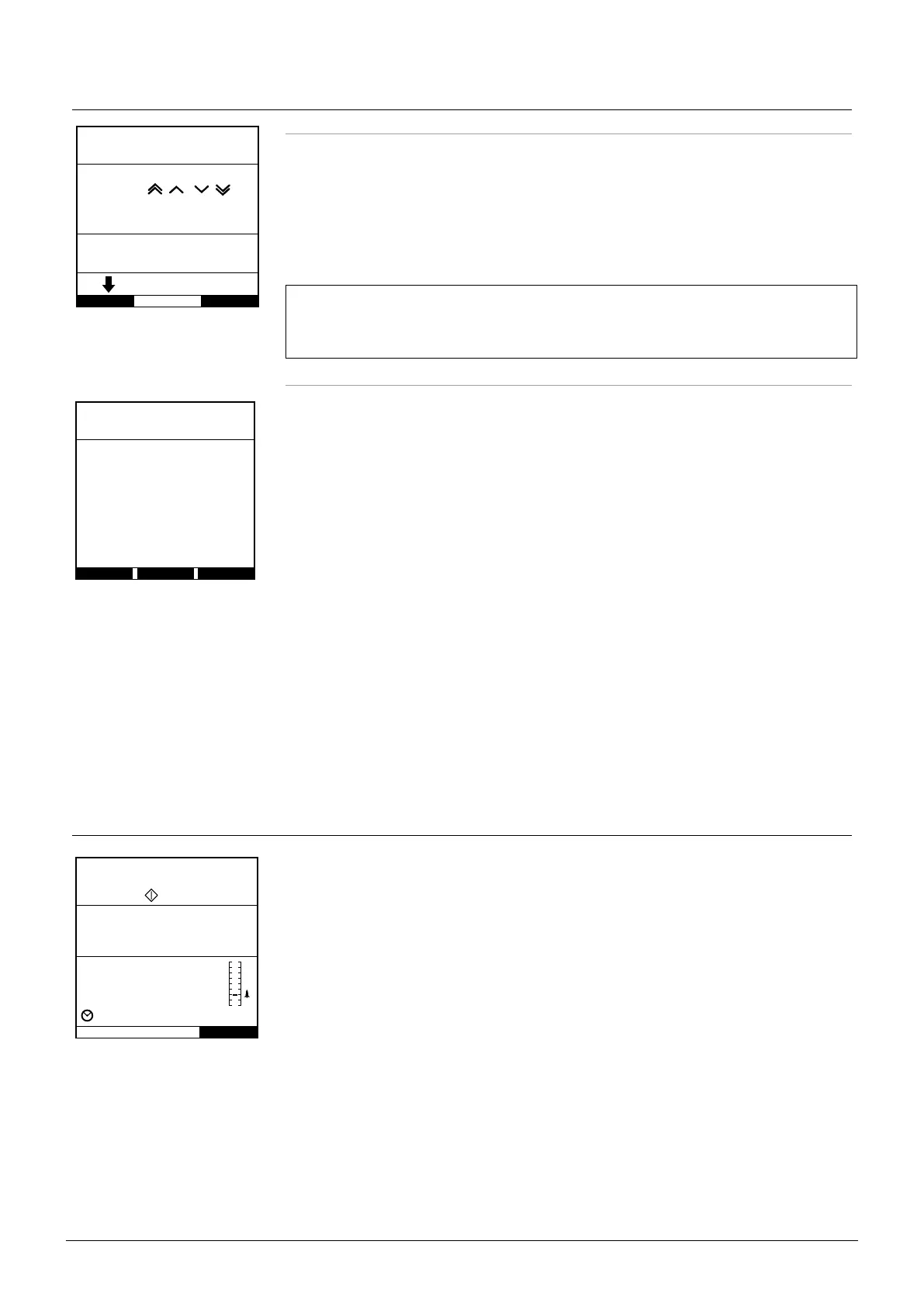
BOLUS Enabled - HANDSON Only
In HANDSON bolus, press and hold the (flashing) Bolus softkey to deliver the required bolus. The
bolus rate can be adjusted. The bolus volume is limited in the configuration via Alaris Editor.
1. During infusion press the
i button once to display the BOLUS MODE screen.
2. Use the
f keys to adjust the bolus rate if required.
3. To deliver the bolus press and hold the BOLUS softkey. During the bolus, the volume being
infused is displayed. When the desired bolus volume has been delivered or the bolus volume
limit is reached, release the softkey. The bolus volume is added to the total volume infused
displayed.
w
If the volume to be infused (VTBI) is reached during a bolus, the VTBI complete
alarm will sound. Press
R to silence the alarm or CANCEL to acknowledge the
alarm. See VTBI section for more details on VTBI operation.
When using infusion set 63280NY the maximum infusion rate is 150ml/h.
BOLUS Enabled - HANDSON and HANDSFREE
HANDSFREE?
YES
HANDSONQUIT
BOLUS MODE
The HANDSFREE bolus is delivered with a single press of the (flashing) BOLUS softkey. Bolus rate
and bolus volume are at default values and can be changed. The default bolus volume is 0.1ml.
1. During infusion press the
i button once to display the BOLUS MODE screen.
2. Press the YES softkey to go to the HANDSFREE bolus screen or press HANDSON softkey to
go to the HANDSON bolus (see section above)
3. Use the
f keys to adjust the bolus DOSE if required. If necessary press the RATE
softkey to adjust the bolus delivery rate.
4. Press the flashing BOLUS softkey once to begin the delivery of the preset bolus. The display
will show the bolus being delivered by the bolus counting down and will revert to the main
display upon completion of the bolus.
5. To terminate a bolus being delivered press STOP softkey. This will stop the bolus and continue
infusing at the set rate. Press the
h button to stop the bolus delivery and place the Pump
on hold.
Note: If the bolus volume reaches the set bolus volume limit the bolus will stop and the
Pump will revert to infuse at the set infusion rate and continue infusing.
Note: Rate may be restricted by the Bolus Rate Max which is configured in the Alaris Editor.
Note: If the BOLUS exceeds the soft (Alaris GP Guardrails Volumetric Pump only) or hard
limits, a prompt will display.
Note: The bolus rate will be automatically set to the current infusion rate, when the default
bolus rate is lower than the current infusion rate. A bolus rate cannot be configured
lower than the current infusion rate.
Note: When more than one bolus is programmed without clearing the infusion setup, the
bolus rate will be set to the previous bolus rate for all subsequent bolus infusions.
Rate Titration
TITRATE
RATE
PRESS TO CONFIRM
VTBI
VOLUME
QUIT
25.0
ml/h
16.7
µg/kg/24h
45.0
ml
ml
50.0
1 h 48 m 00 s
If Rate Titration is enabled (via the Alaris Editor) the infusion rate or dose rate (if available) can be
adjusted while infusing.
1. Select the new rate using the
f keys. The message <TITRATE PRESSbTO
CONFIRM> will flash on screen and the Pump continues to infuse at the original rate.
2. Press the
b button to confirm the new infusion rate and start infusing at the new rate.
If Rate Titration is disabled the rate can only be adjusted whilst ON HOLD:
1. Press the
h button to put the Pump ON HOLD.
2. Select the new rate using the
f keys.
3. Press the
b button to start infusing at the new rate.











 To Next Page