TX-1xx Series Printer Operation Manual
~ 36 ~
key to change the input position. After the adjustment is completed,
press [OK] to confirm and skip to the next item.
⚫ After setting, press [BACK] key to return.
Set the time format:
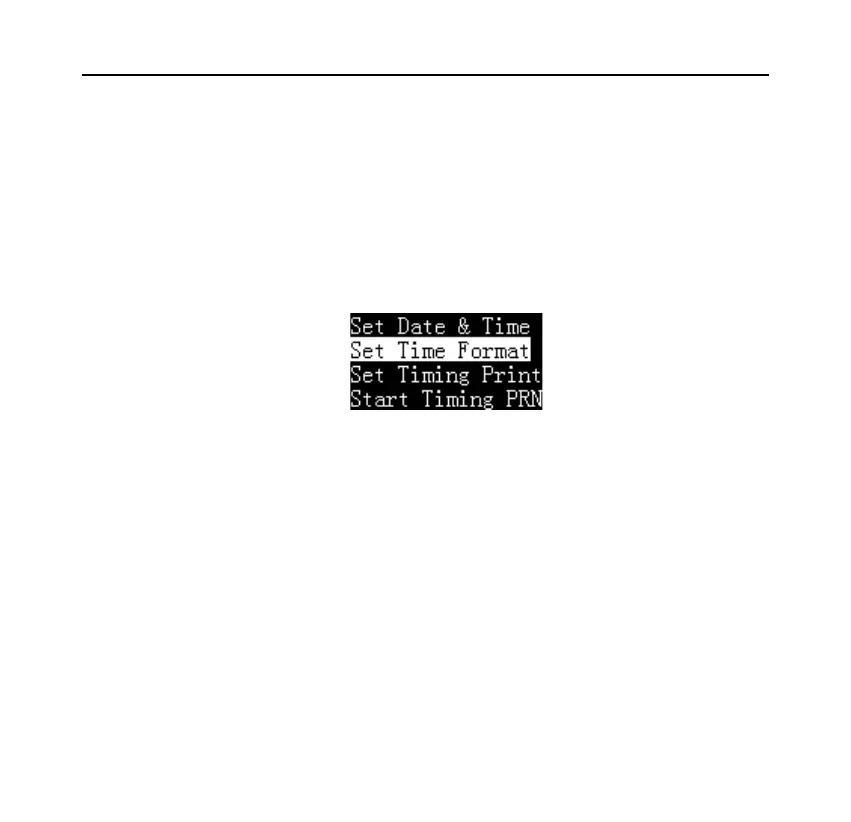
In the standby state, long press the [DATE] key to enter the time and date setting
menu, as shown below:
Select "Set Time Format" and press [OK] key to enter, press the [N/CN] or
[DATE] key to select the desired setting item, press [OK] to enter the setting, as
shown below:



 To Next Page