TX-1xx Series Printer Operation Manual
~ 43 ~
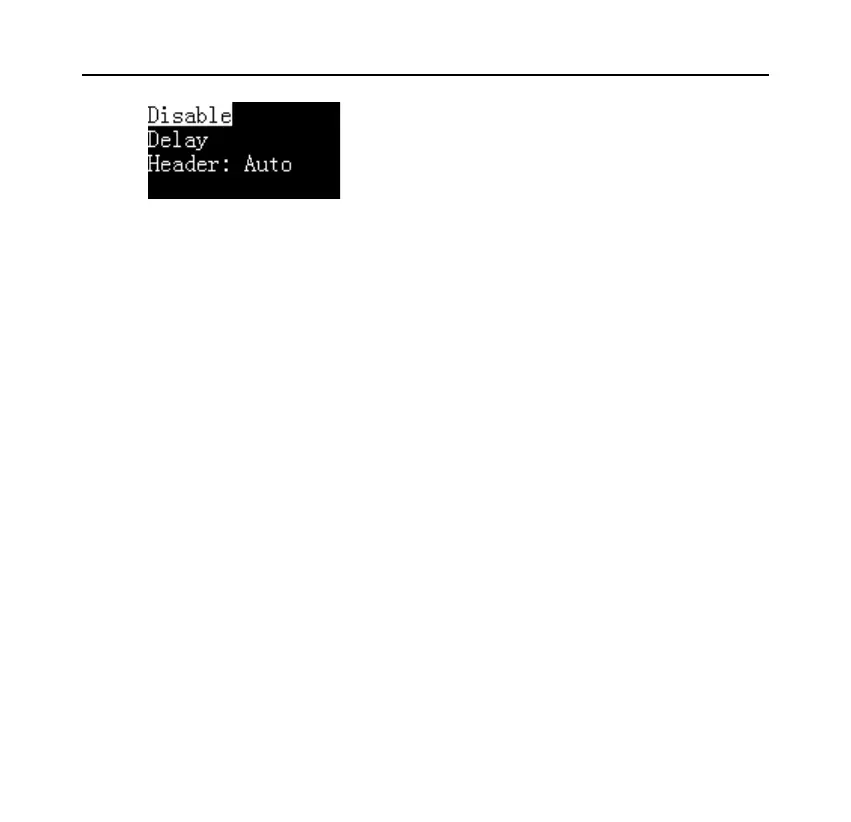
⚫ Disable
Disable the auto header & trailer function, the data output from the scale
will be printed as is.
⚫ Delay
Select this option and the printer will ask for a delay time. When the printer
receives the first data of the scale, it will automatically add a header. When
the scale stops outputting data beyond the delay time set by this item, the
printer automatically adds a trailer; after outputting the trailer, the printer
repeats the above process. This is suitable when the scale continuously
outputs all data.
⚫ Header: Auto
Select this option, the printer will automatically add a header before the
first data output from the scale, user needs to manually press the [OK] key
to output the trailer, This is suitable for the user to decide when to output



 To Next Page