TX-1xx Series Printer Operation Manual
~ 42 ~
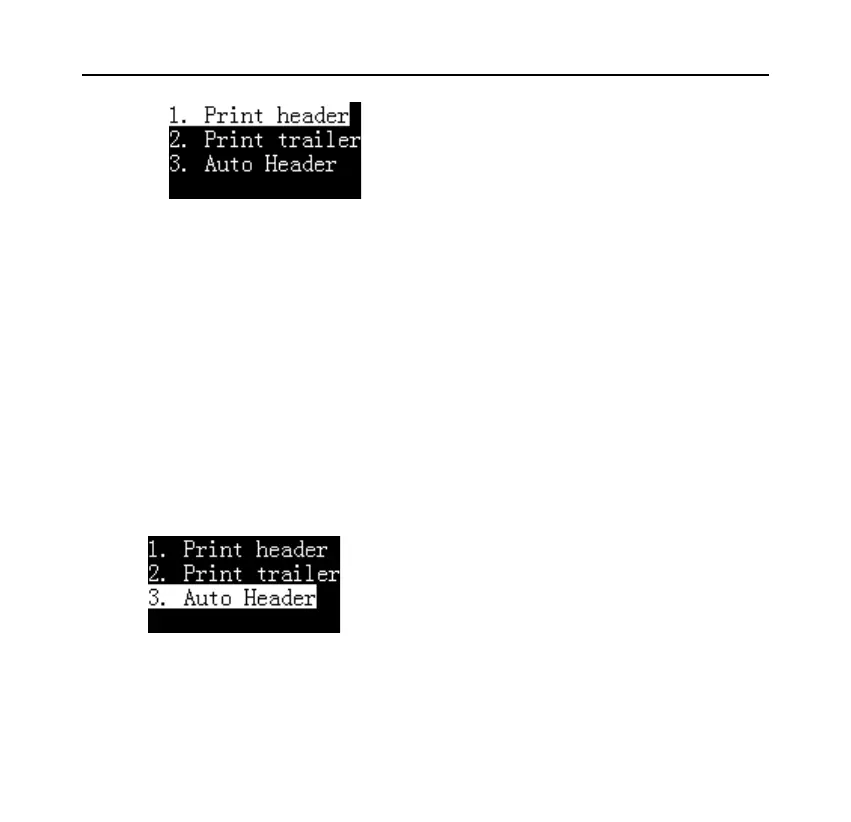
1. Print header: Select once, print header once manually.
2. Print trailer: Select once, print trailer once manually.
Automatic print header and trailer:
In the “Direct mode”, the printer can automatically add a header at the beginning
of the data output by the scale, and automatically or manually add a trailer at the
end. The operation method is as follows:
Press the [Fn2] key in the "Direct mode”, then select “3. Auto header”, as
shown in the figure below:
Press [OK] key:



 To Next Page