TX-1xx Series Printer Operation Manual
~ 50 ~
4. Keywords:In this mode, the data of tare, gross and net weights are all
output by the scale. User sets the characteristic keywords of tare, gross and
net weights. The printer determines the tare, gross and net weights
according to the characteristic characters in the received data. For example,
the scale outputs the following data:
Gross: 100.00 kg
Net: 60.00 kg
Tare: 40.00 kg
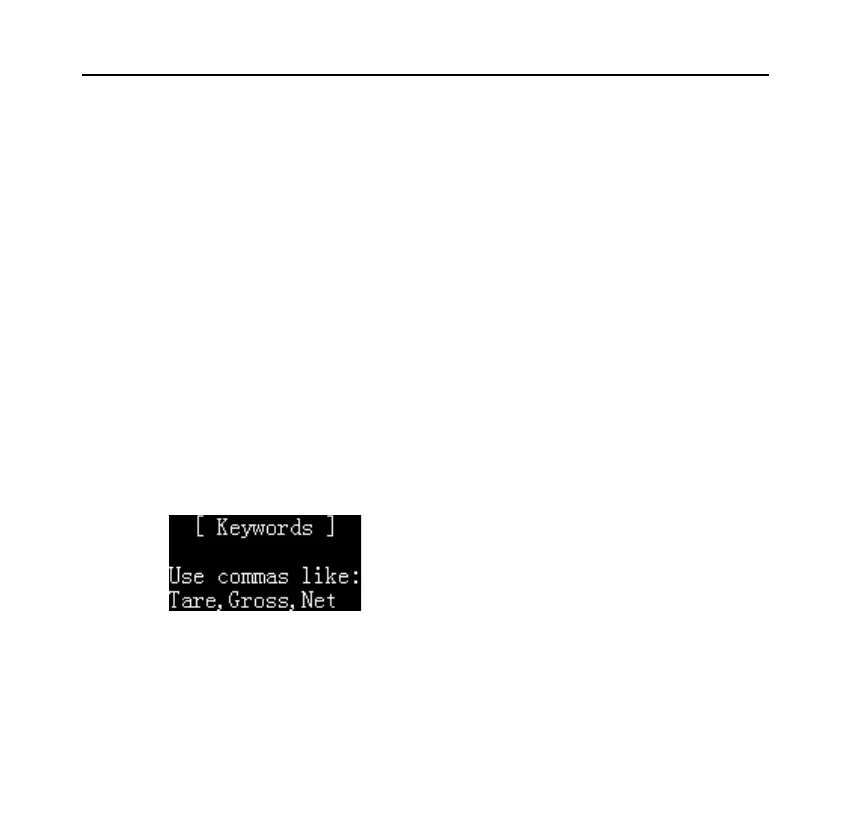
In this mode, press [OK] key to set the keywords required by the printer, as
shown in the following figure:
Keywords settings follow the following rules:
⚫ In order of tare, gross and net weight, use commas as separators. The above



 To Next Page