TX-1xx Series Printer Operation Manual
~ 52 ~
If a problem occurs, you can temporarily use the "direct mode" to determine the
keywords of tare, gross, and net weight, and confirm that the data output by the
scale meets the above requirements, and then set the keywords correctly.
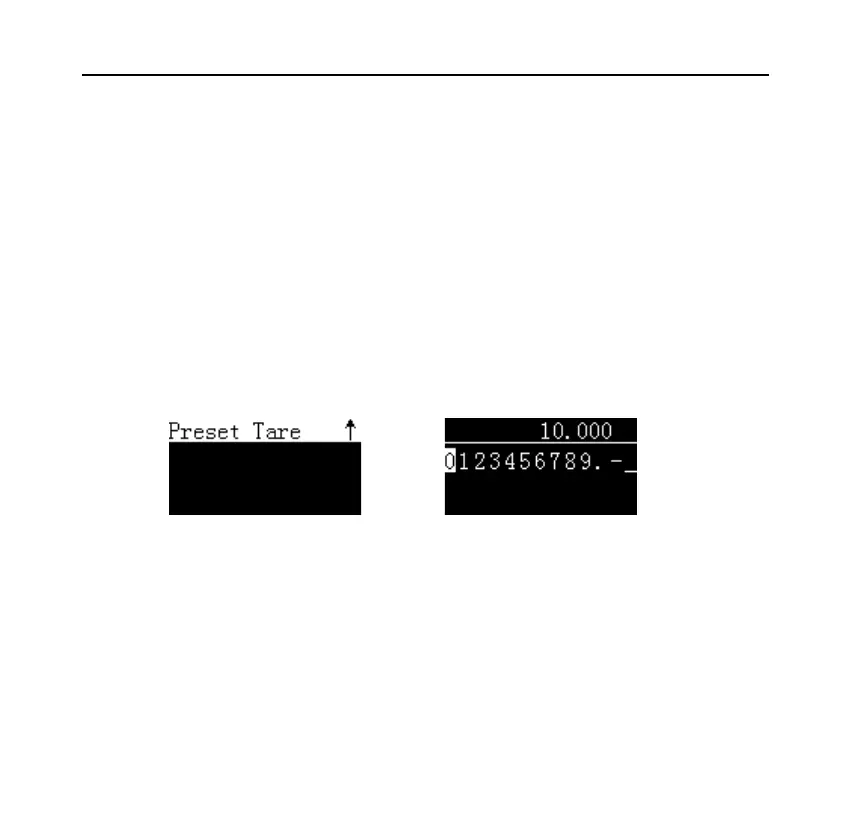
5. Preset Tare:In this mode, operator enters the tare weight value by manual,
the data output from the scale is processed by the printer as the gross
weight, and the net weight is automatically calculated by the printer. After
selecting this mode, the printer will ask for the tare weight, as shown
below:
→ [OK]
After the input is completed and returned, the interface displays the entered
preset tare value, as shown below:



 To Next Page