TX-1xx Series Printer Operation Manual
~ 78 ~
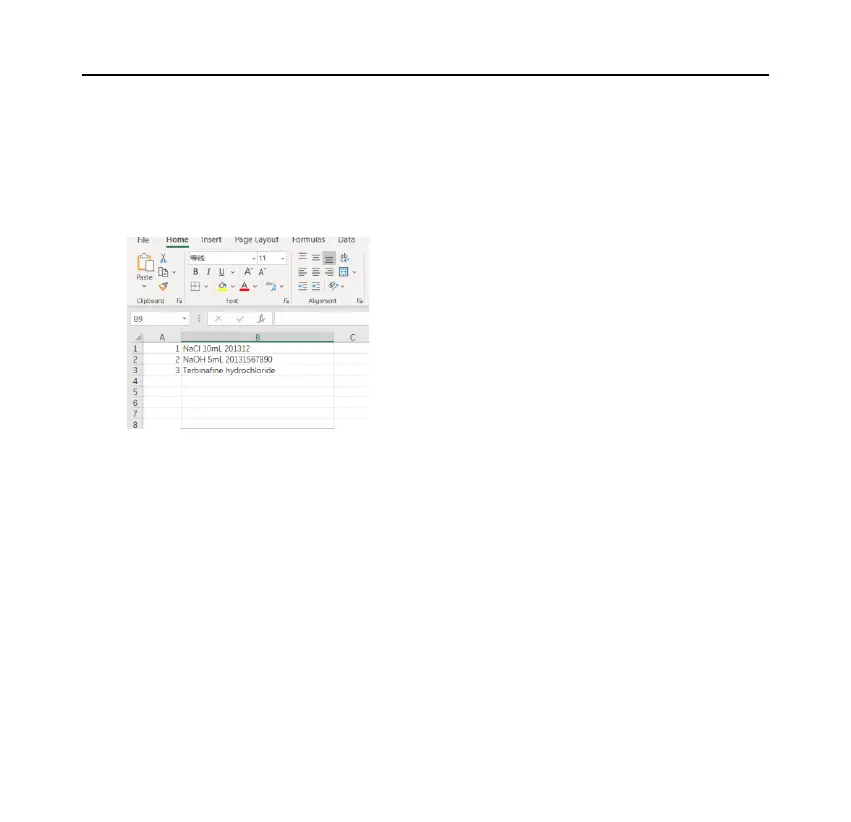
⚫ Prepare the table:
First, use EXCEL to create a table containing codes and names, as shown in the
following figure:
Memo: Use shorter codes to reduce input time.
If the most significant digit of the code contains "0", such as "001", the column
where the code is located must use text format, not numeric format, otherwise,
EXCEL will automatically remove the zero in front of the code, resulting in
incorrect coding.
After making the table, save as "CSV" format.
In order to check whether the table's format is correct, you can use Notepad to
open it, the correct format should be similar to the following:



 To Next Page