TX-1xx Series Printer Operation Manual
~ 79 ~
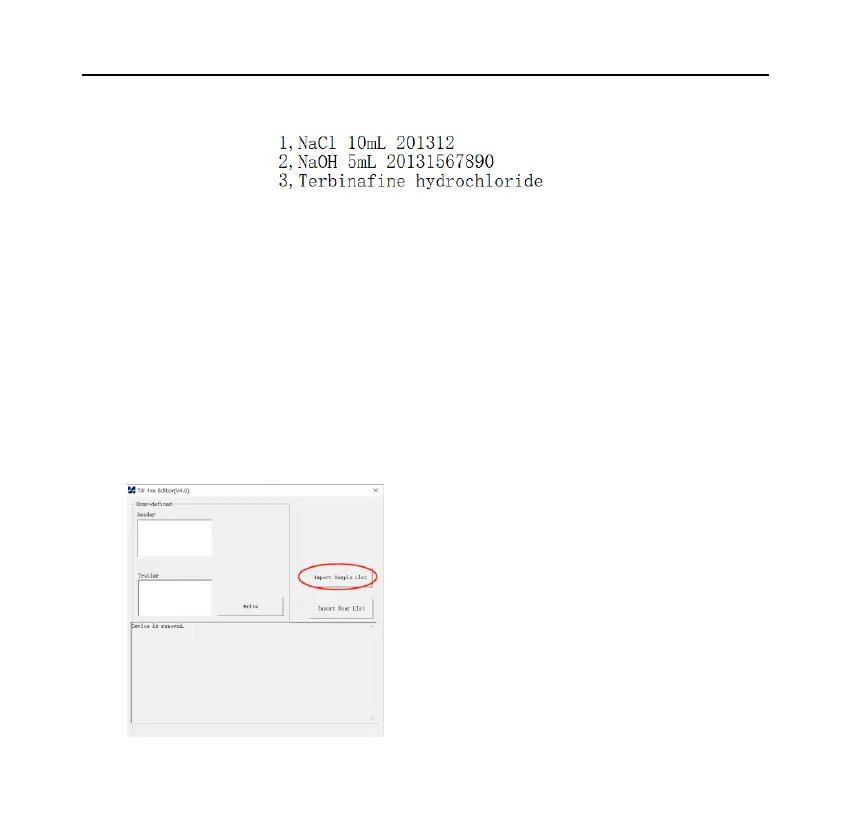
The code and the name are separated by a comma. You can also use Notepad to
edit this table and change the file extension to CSV.
⚫ Import the table
Please refer to Section 8.1 and use TX Editor software to import the prepared
table into the printer, as shown in the figure below:



 To Next Page