TX-1xx Series Printer Operation Manual
~ 86 ~
login password and the name for the user name, after completion, run the TX
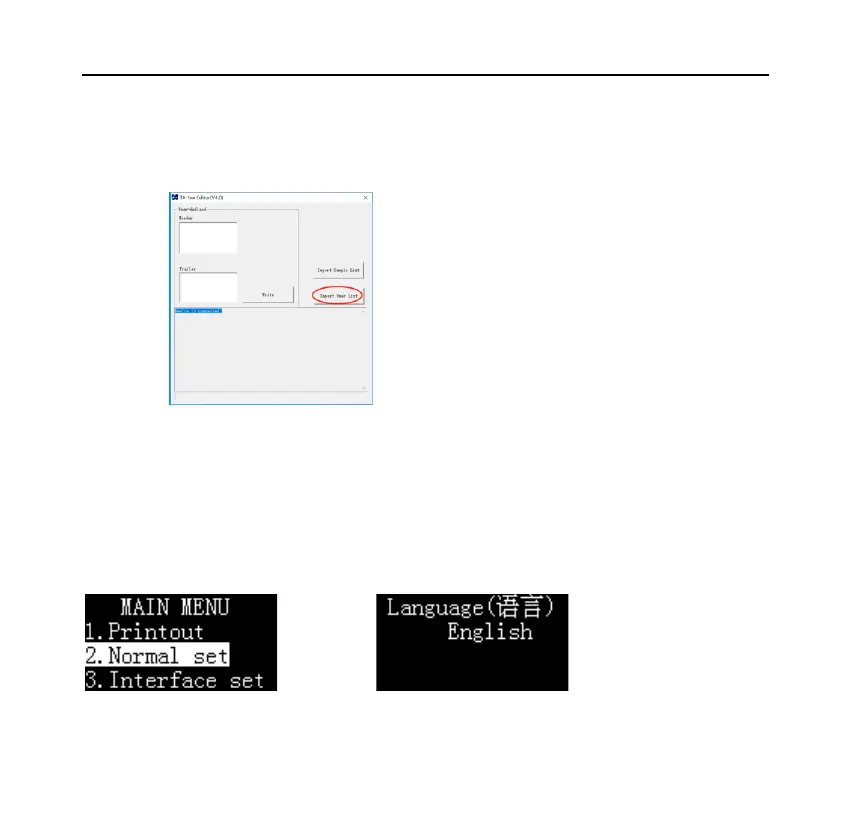
Editor software, click "Import User List", select the prepared CSV file, as shown
below:
If an administrator password is set, the software will ask for a password when
importing.
For the operation method of TX Editor software, please refer to Section 8.1.
After importing the user list, make the following settings on the printer:
→[OK]
→
→[N/CN] or [DATE]->



 To Next Page