TX-1xx Series Printer Operation Manual
~ 87 ~
➢ Login operation:
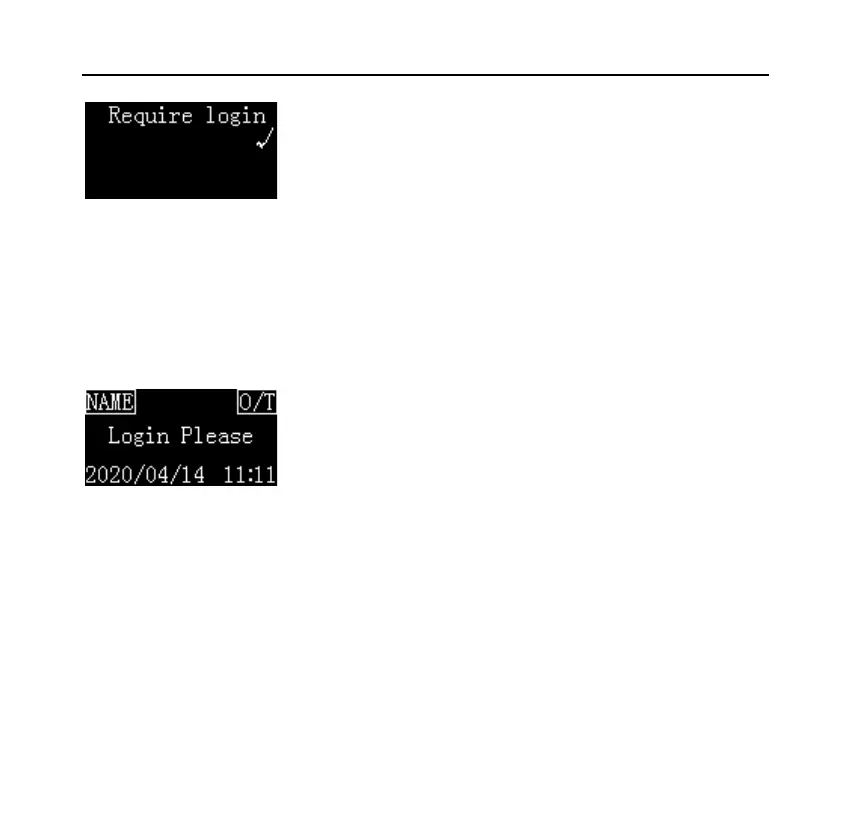
After the above operations are completed, the printer displays the following in
the standby interface:
The login status of the display is "Login Please".
At this time, the printer's operations except the following will be prohibited:
⚫ Press [BACK] key to feed paper.
⚫ Press [OK] key to enter the login password.
⚫ Press and hold the [MENU] key to enter setting menu (administrator
password required).



 To Next Page