TX-1xx Series Printer Operation Manual
~ 88 ~
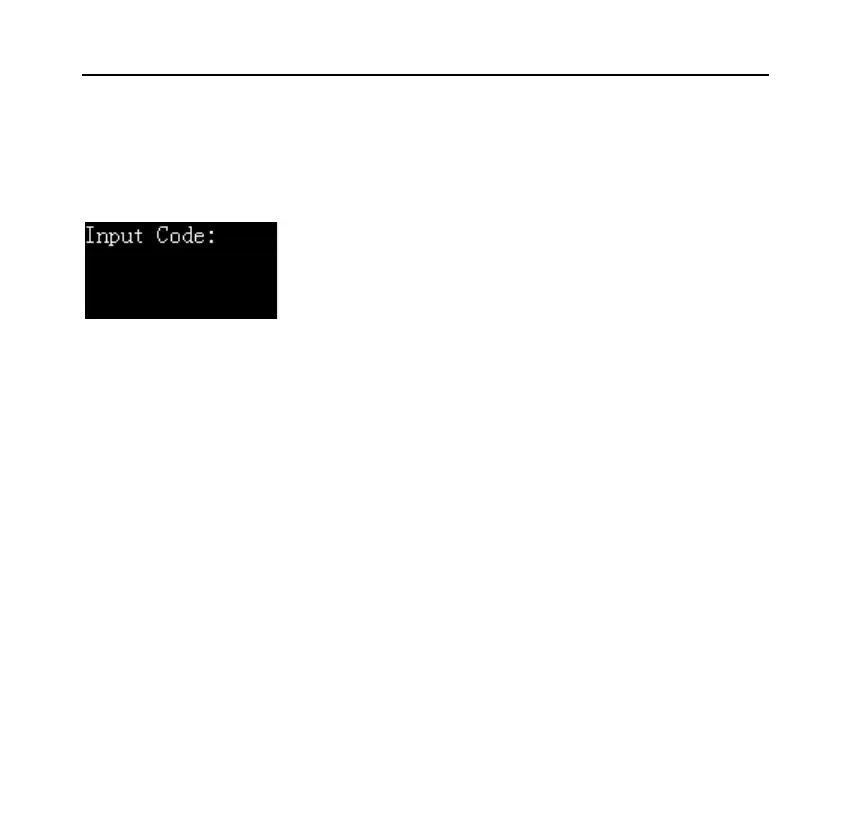
Press [OK] key, the printer displays the following information, asking for the
login password:
After entering the correct login password, the display shows the current working
mode, at this time, the printer can perform normal printing operations.
⚫ Log out
After completing the operation, you must log out in time to avoid the next user
using the printer without logging in. Long press the [OK] key, when prompted
to enter the code, without entering any information, directly press the [OK] key
to log out, at this time the display screen login state returns to the "Login Please"
state. When the printer enters the screen saver because it has not been operated
for a long time, it will also automatically log out. For screen saver time, please
refer to Section 9.2.



 To Next Page