13
7.2
Internal calibration
* only for models with internal calibration “-i”
In these balance models there are 4 calibration modes:
From display zero condition, press and keep pressed the MENU button until the acoustic
alarm gets mute, then release the button. The message “unitS” will be visualized on
display, press then MENU button until you visualize “Calib” on display. Press PRINT to
confirm.
1. Select the calibration mode you wish by pressing MENU button in sequence:
AUT-CAL: auto calibration
I-CAL: internal calibration
*
E-CAL: external calibration
*
TEC-CAL: technical calibration
*
2. Press PRINT button to confirm “AUT-CAL”, “I-CAL”, “E-CAL”.
To confirm “TEC-CAL” keep pressed the PRINT button until the acoustic alarm gets
mute.
3. After selection, the balance returns to calibration menu. Press and keep pressed
MENU button until the acoustic alarm gets mute, then release the button. Balance is
again ready for weighing operations.
7.2.1 Autocalibration (AUT-CAL)
This is Factory setting for verified balances models
The balance self-calibrates when the temperature variation exceeds the factory preset
value and at factory preset time intervals, through the internal reference mass, and only if
the balance pan is empty.
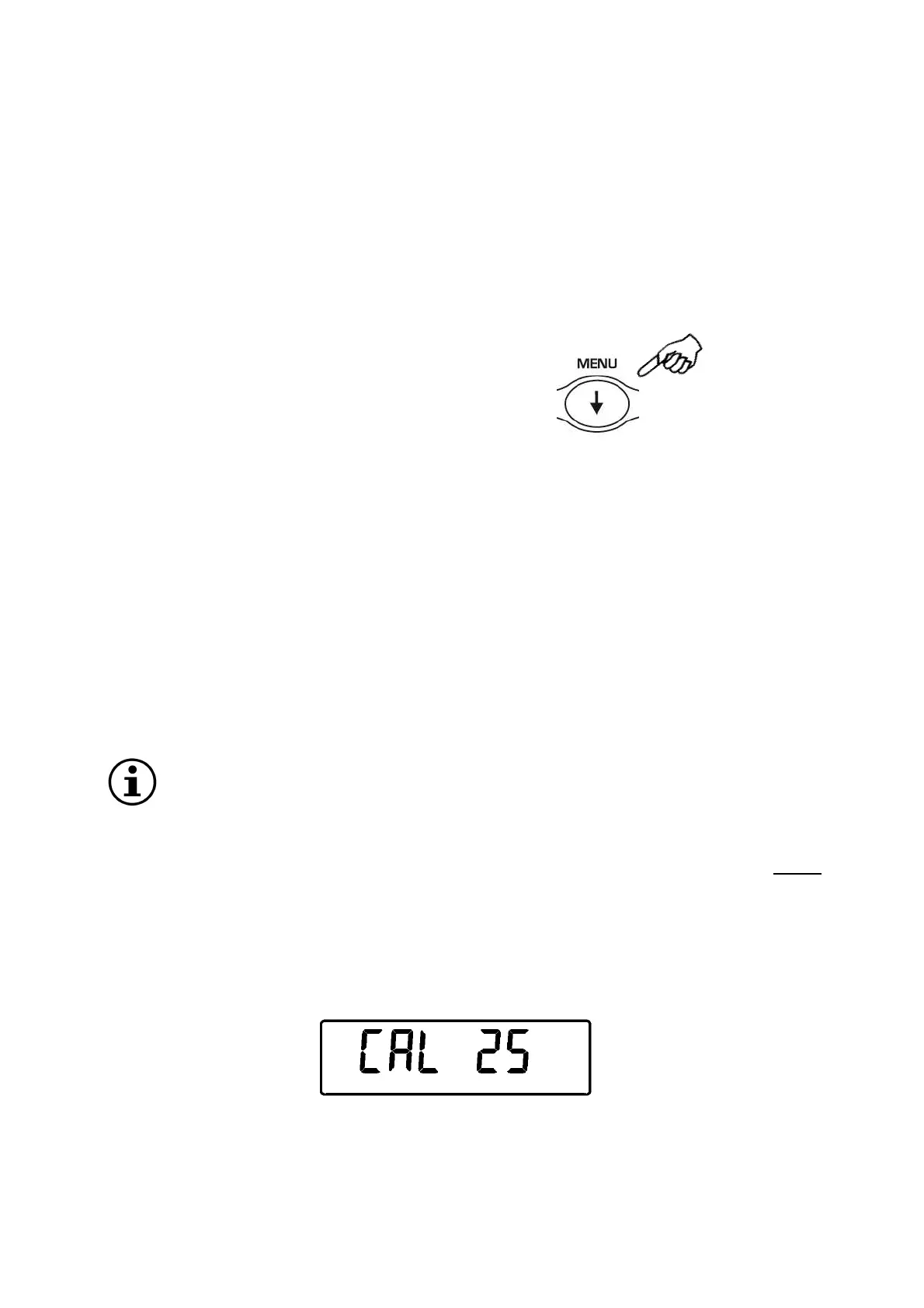
When the balance needs to perform the Automatic calibration, the display will show the
following message:
A 25-seconds countdown will start during which you can decide if:
*Locked for verified balances models


 To Next Page