35
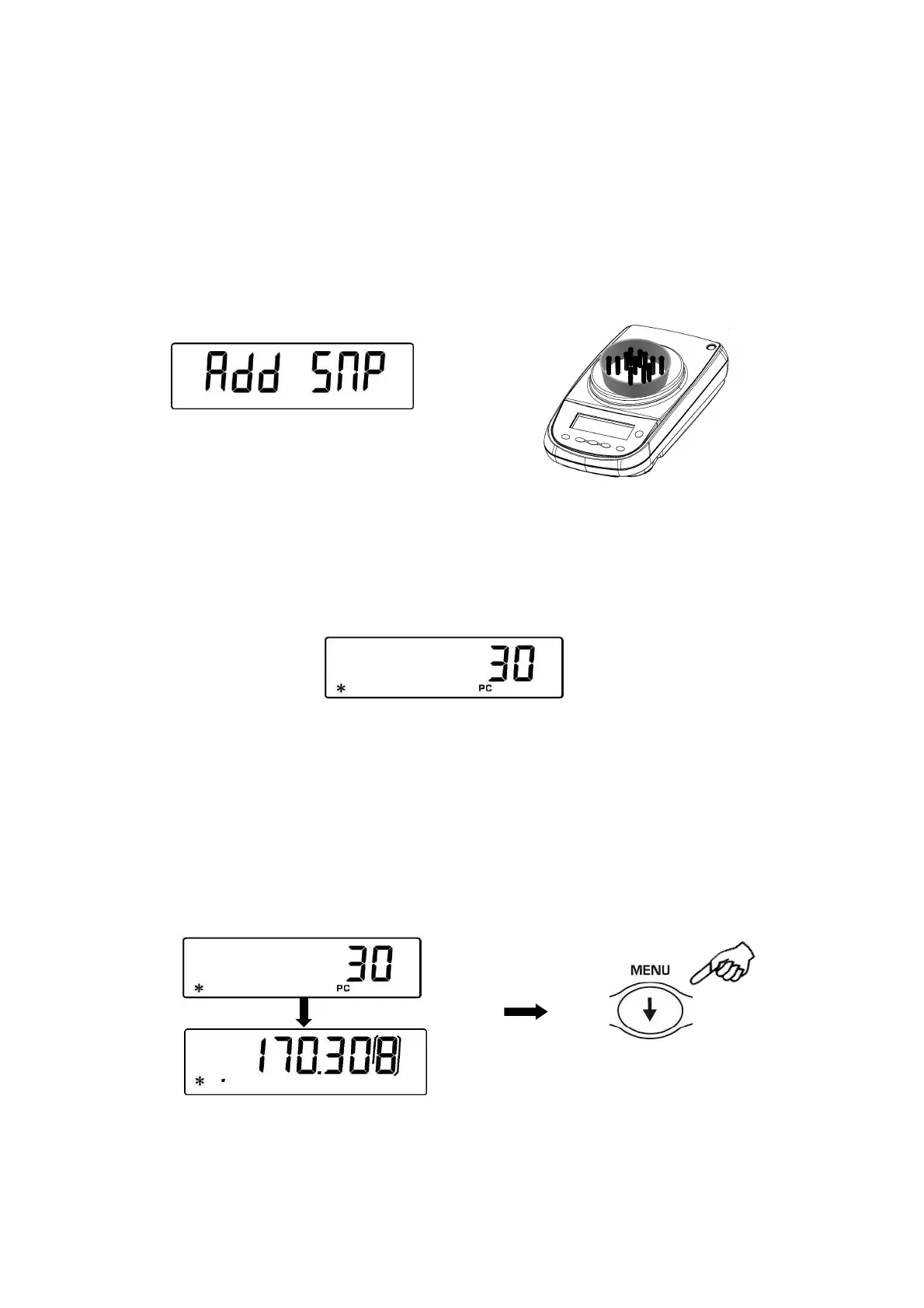
Add a quantity of pieces so that to almost double the number read on display, then
press the PRINT button
If the number of pieces is still not enough then the message “Add SMP” is displayed.
Add again a quantity of pieces so that to almost double the number you read on
display
As soon as it is reached a sufficient number of pieces, this number is displayed and it
will be possible to go on with count by loading the pieces count on the balance pan.
3.
To escape from piececounting mode press the ON/OFF button and the balance
returns to normal weighing conditions.
20.1
Visualization of total and unit weight of pieces
1. Press MENU button to pass from pieces number visualization to total weight
visualization.
2. In order to display the weight of single piece from the total number of pieces press
and keep pressed the MENU button until the acoustic alarm gets mute.


 To Next Page