51
Red LED blinking 3 times - RAM Memory Error
RAM memory error on the control board. Replace the control board to address the issue.
Red LED blinking 8 times - Print Mechanism Error
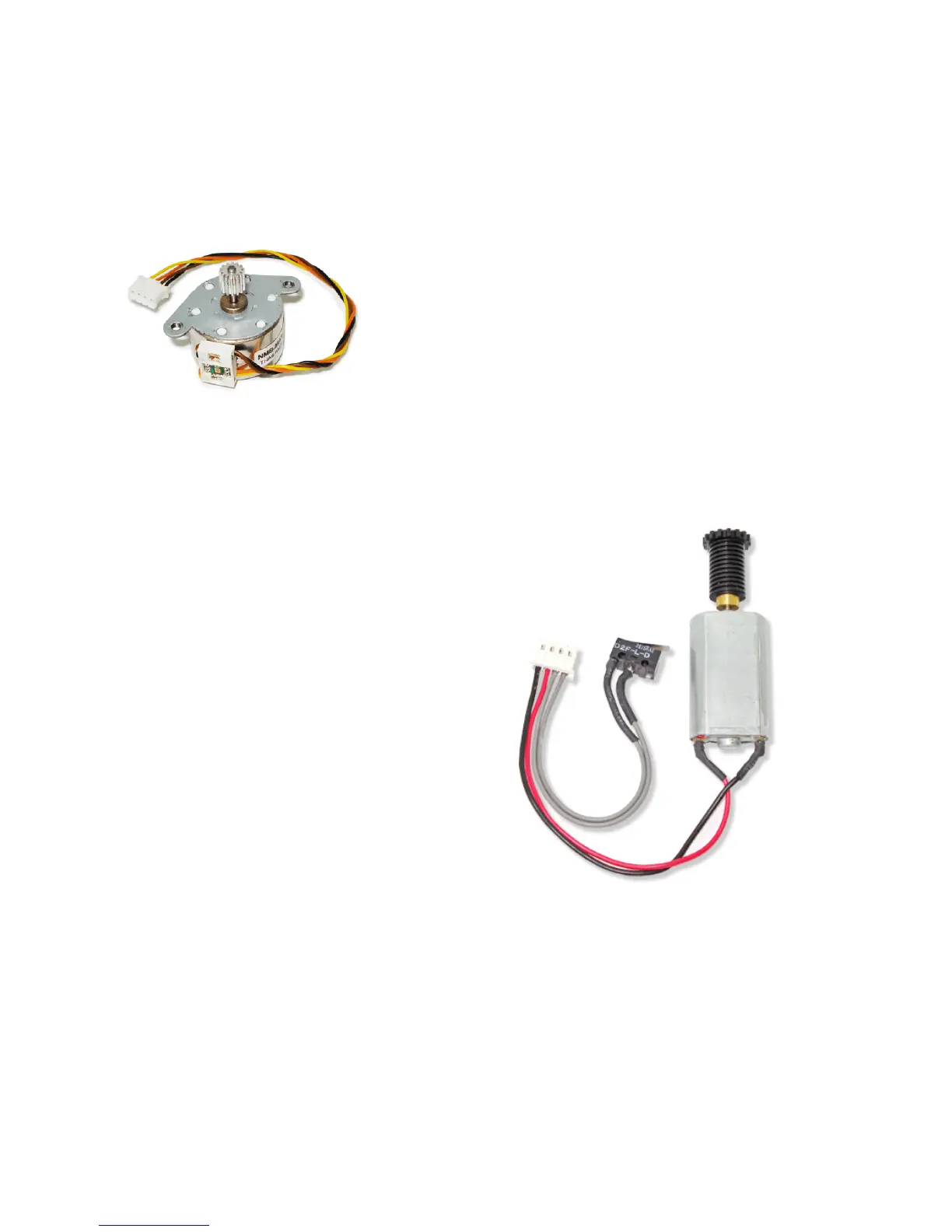
On the print initialization, the status of the print head and the paper feed motor (picture
below) are verified. At that moment, if one of these items does not respond, the print reports
the print mechanism error through the Information LED. To correct the problem it will be
necessary to verify the following items:
- Verify if the print head and the paper feed motor
connection cables are in place and in perfect shape in all
their length.
- Verify if the control board cartridge is properly connected.
If the problem persists, replace the print head or the paper
feed motor, or both.
Red LED blinking 11 times - Low DC voltage sent by the power source
To correct this problem, replace the AC adapter. If the error persists, replace the control
board. There might be cases where the replacement of both items may be required.
Red LED blinking 12 times - Cutter Initialization Error
To correct any cutter problem, follow the
steps of "Yellow LED blinking 3 times - Cutter
Error"; if the problem persists, replace the
motor set and the cutter sensor (picture on
the side).



 To Next Page