Getting started 9
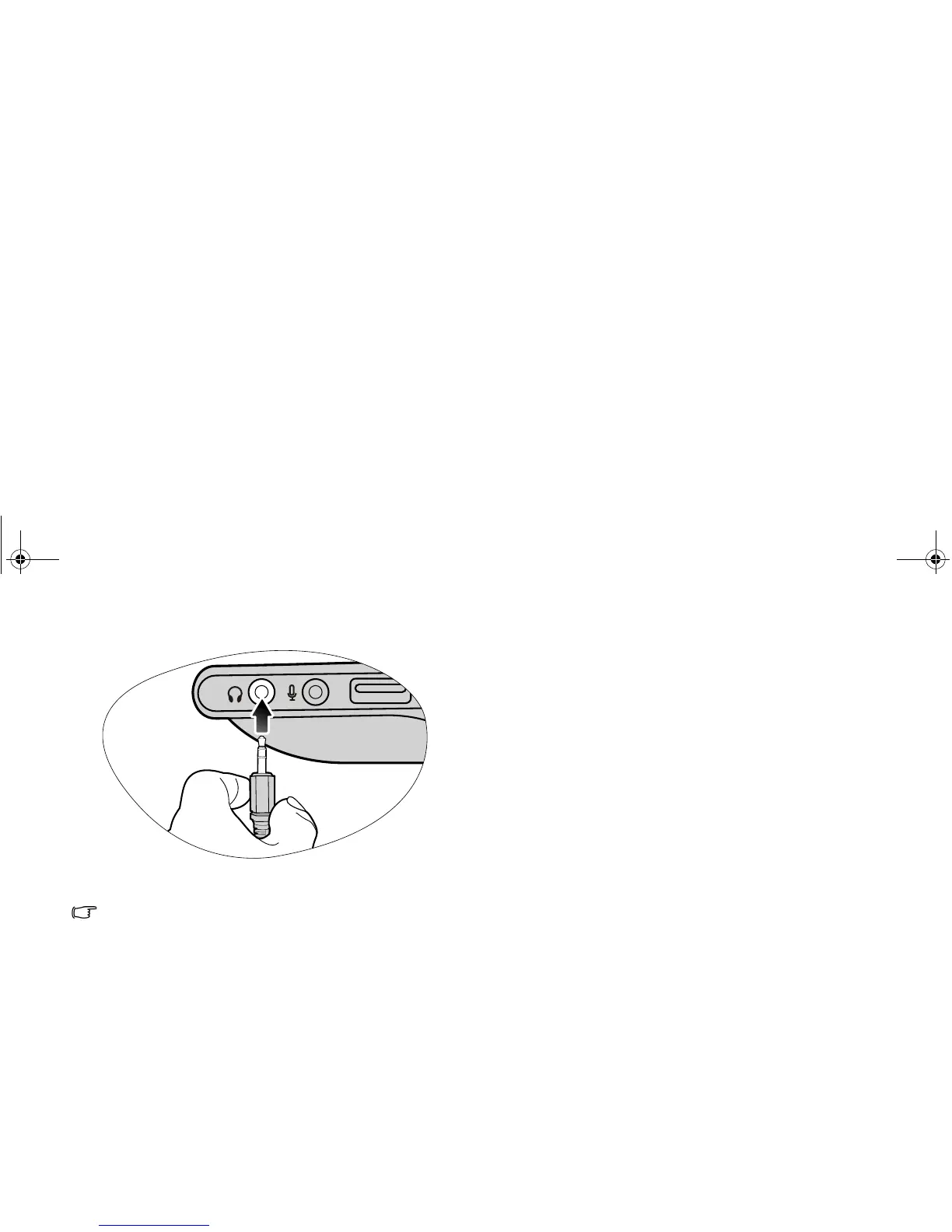
Connect an earphone to the audio output socket to output
sounds.
Unless you intend to use the sound reproduction output of the
built-in Joybook speakers, you will also need to separately
connect the Joybook audio output socket to an appropriate
sound reproduction device.
JB_R56_en.book Page 9 Tuesday, July 3, 2007 10:01 AM



 To Next Page