Using your Joybook 33
Using QMedia Bar
Introduction to QMedia Bar
QMedia Bar integrates a number of
software applications to enhance the multimedia experience on
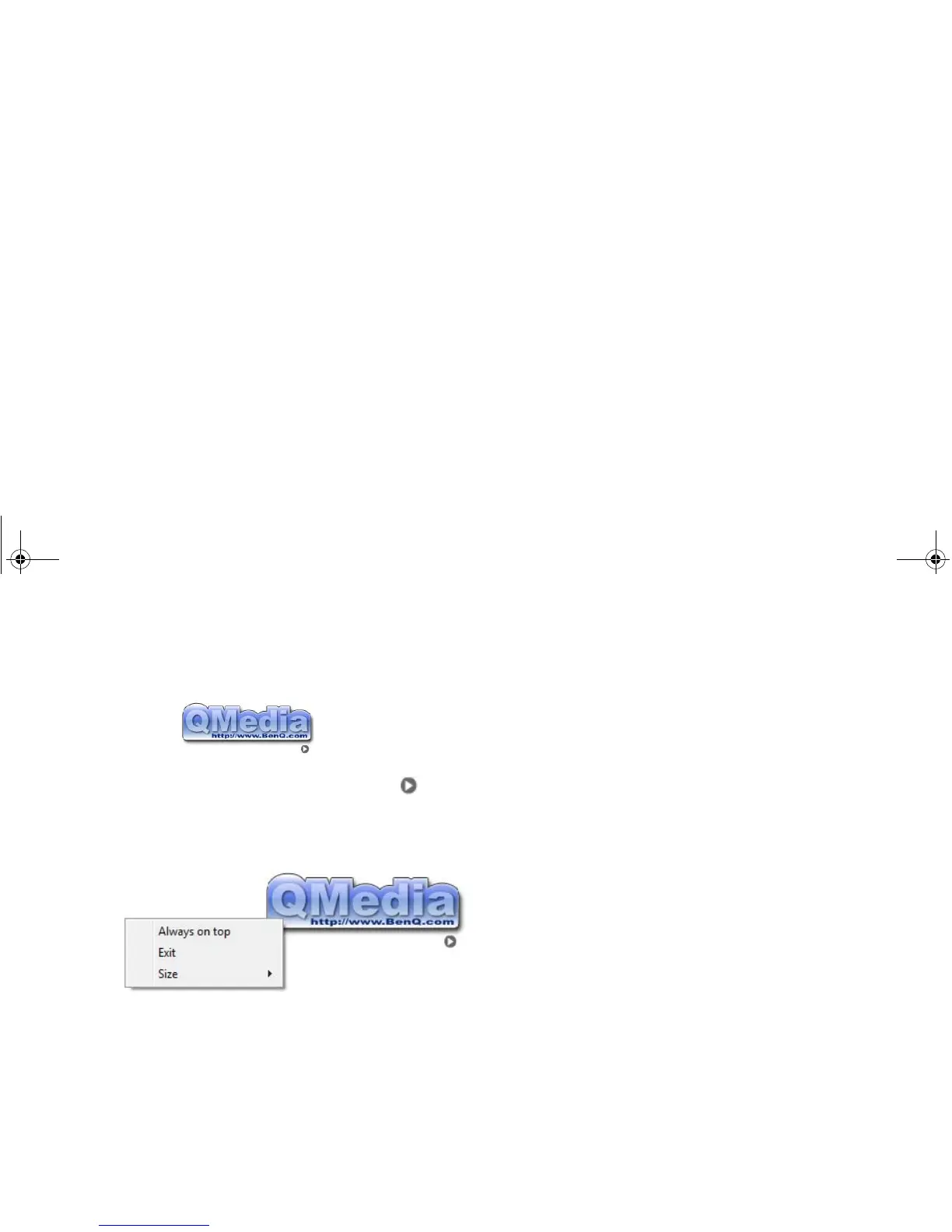
your Joybook. Click on the small triangle button and a
rotating button bar will display.
Setting up QMedia Bar
Right-click on QMedia Bar and a menu will display on it.
You can:
• Let QMedia Bar display on top of all open programs by
selecting Always on top.
• Close QMedia Bar by selecting Exit.
• Adjust the size of QMedia Bar on the screen by selecting Size
and then select an appropriate value.
JB_R56_en.book Page 33 Tuesday, July 3, 2007 10:01 AM



 To Next Page