Getting started6
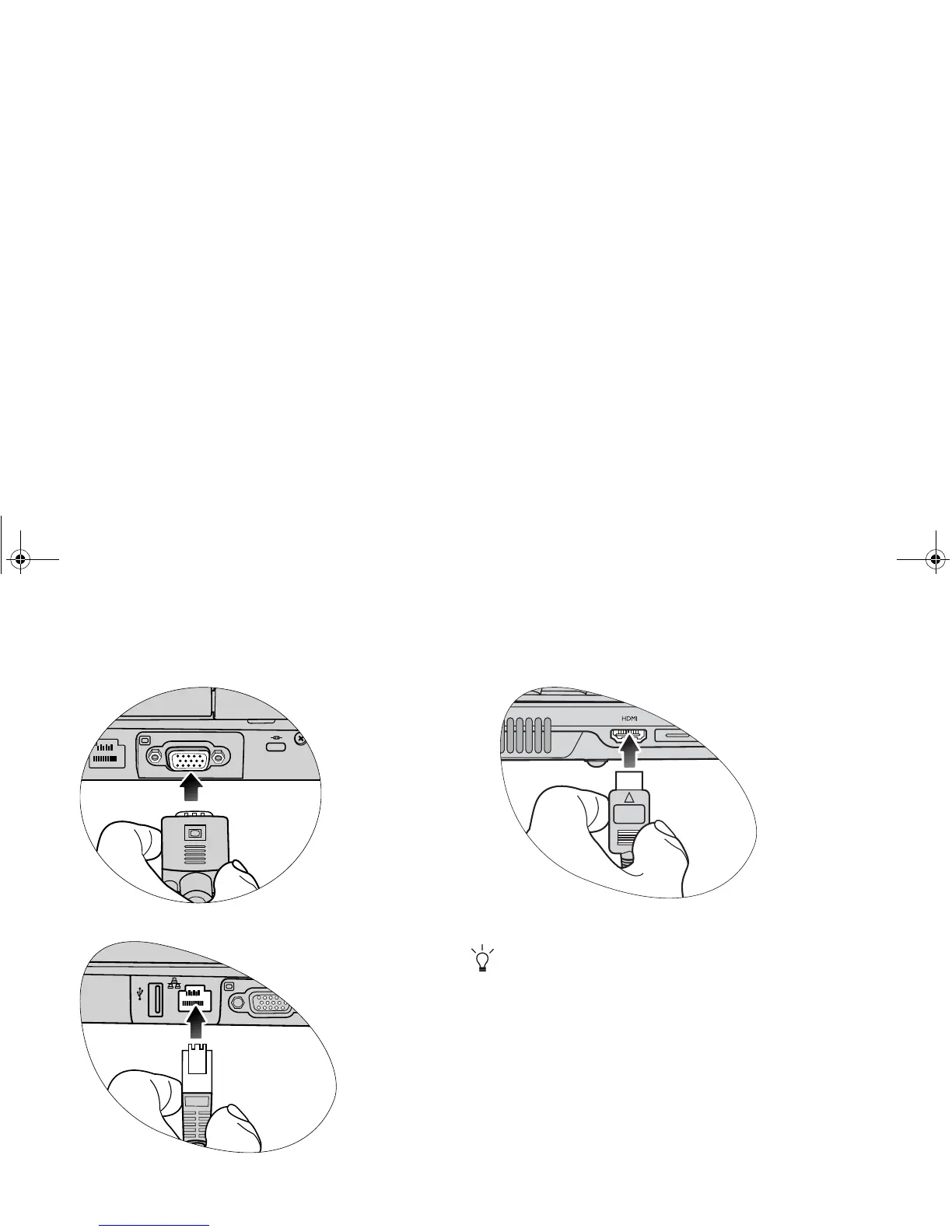
Expanding the capabilities of your Joybook
Connect an external display device (such as a monitor or
projector) to the 15-pin D-sub video socket of your Joybook.
Access local area network (LAN) by connecting a network cable
to the LAN port of your Joybook.
Connect a separate audio or video device that has an HDMI
interface, such as an HDMI-capable display device, projector,
A/V receiver, or any compatible device.
For details, refer to "HDMI output socket (Type A connector)
(Version 1.2)" on page 12 and "Using the HDMI output socket"
on page 34.
JB_R56_en.book Page 6 Tuesday, July 3, 2007 10:01 AM



 To Next Page