Connecting to external display devices52
Connecting to external display devices
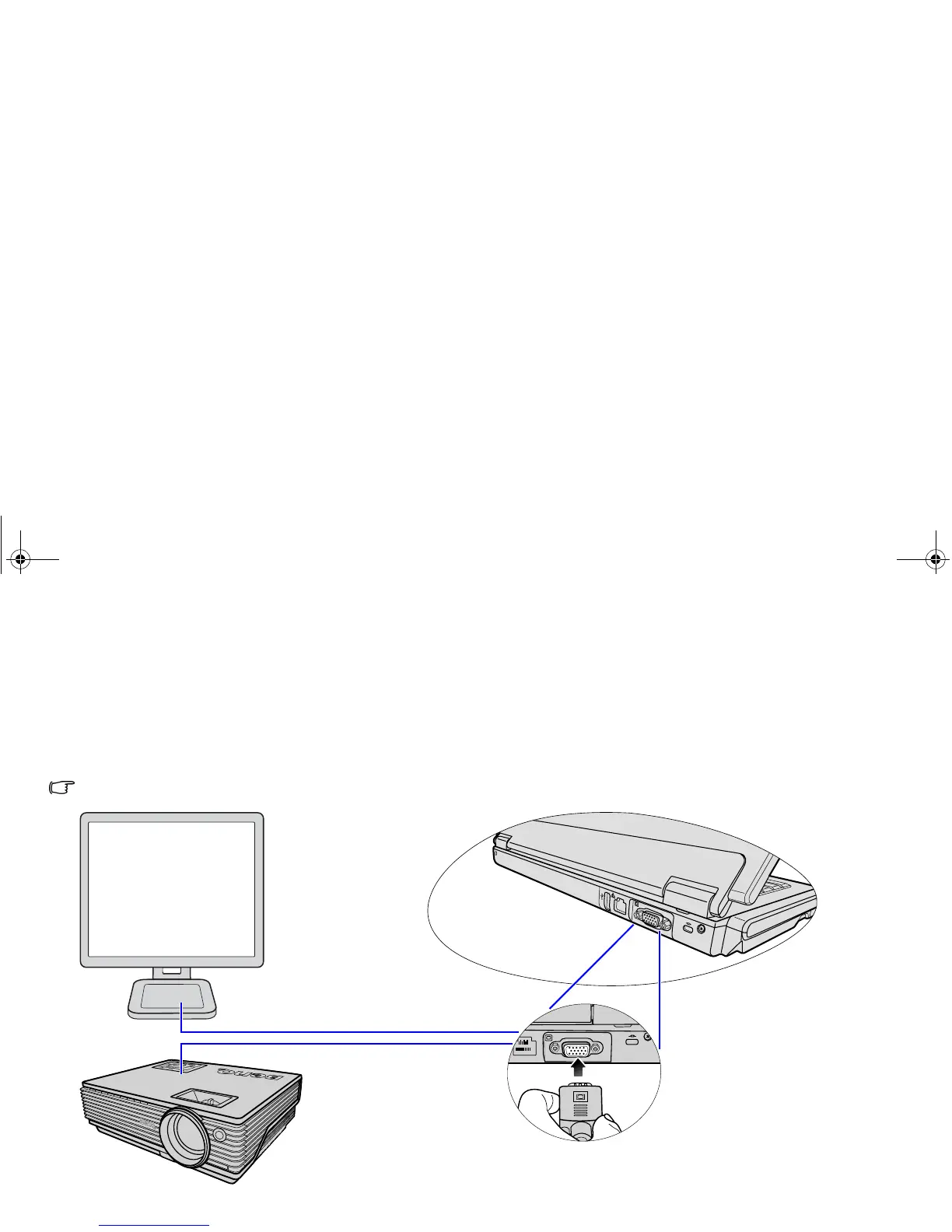
Connecting to a VGA display device
You can output your Joybook's video signal to an external display device, such as a projector or monitor. Once the VGA cable is
connected properly, simultaneous display will be available on your Joybook and the external display device automatically.
Pressing the <Fn> + <F3> hotkey combination allows you to switch between the Joybook's own screen and the external display
device, or use simultaneous display.
Projector
Monitor
JB_R56_en.book Page 52 Tuesday, July 3, 2007 10:01 AM



 To Next Page