Using your Joybook 21
Using your Joybook
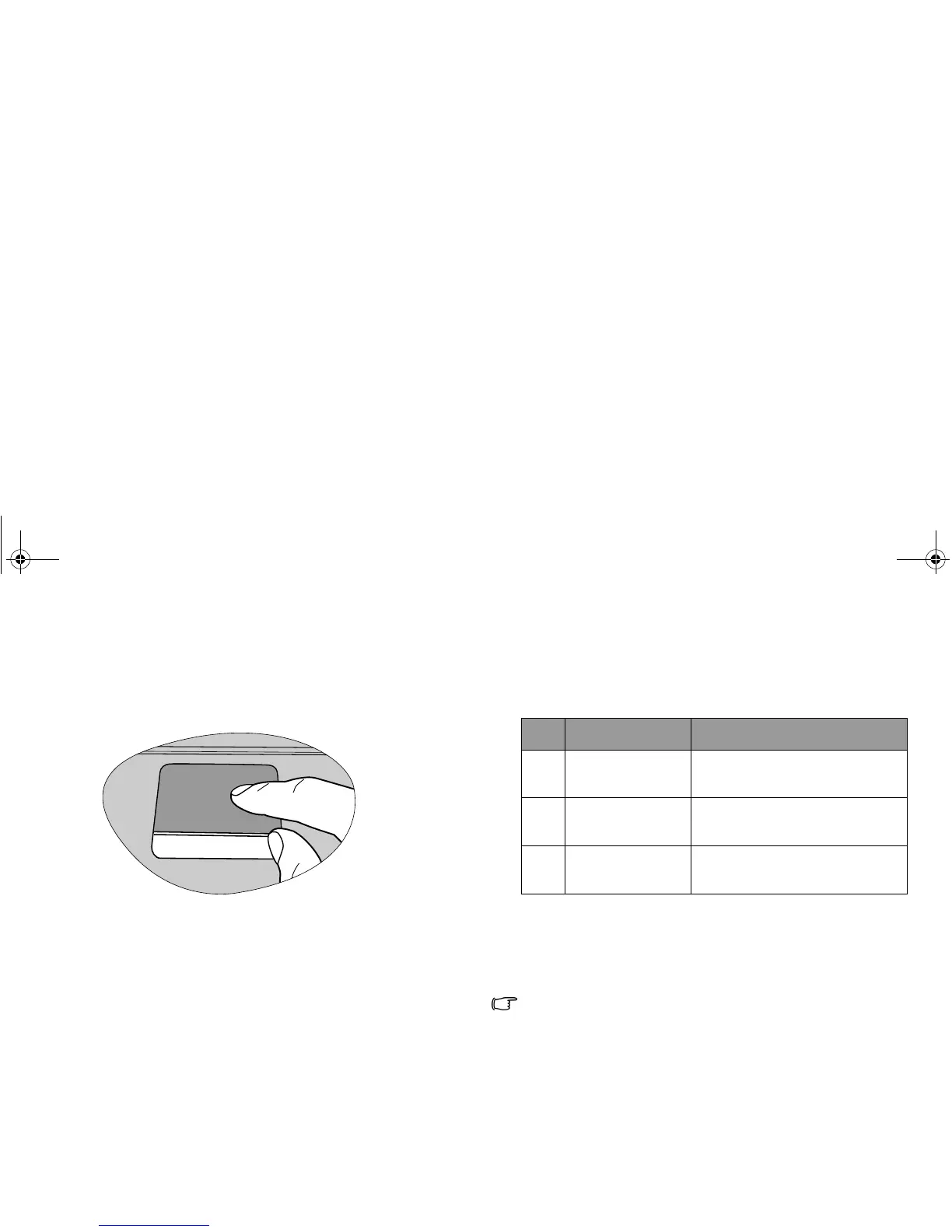
Using the touchpad
The touchpad with its buttons is a pointing device that
functions as an optional external mouse, which can perform
navigation, scrolling and selection functions. The components
of the touchpad are described as follows.
• To use the touchpad as an optional external mouse, press the
left and right touchpad buttons, which provide the same click
functions as an external mouse does.
• To move the pointer, place your finger with slight pressure on
the touchpad and move in the direction as desired.
• Do not use a pen, pencil, or marker on the touchpad. Use only
your fingertip.
• To set the touchpad preferences in Microsoft Windows Vista,
select Start, Control Panel, Hardware and Sound, and Mouse.
No. Component Function
(1) Touchpad Moves the pointer, selects or
activates items on the screen.
(2) Left touchpad
button
Equivalent to the left button of
an optional external mouse.
(3) Right touchpad
button
Equivalent to the right button
of an optional external mouse.
JB_R56_en.book Page 21 Tuesday, July 3, 2007 10:01 AM



 To Next Page