Using your Joybook38
Using QEye
Your Joybook comes with a 1.3 megapixel built-in camera
(QEye) on the inside top of the lid, above the screen. With QEye,
you can capture images, record videos, and also hold a video
conference.
Using WebCam Companion
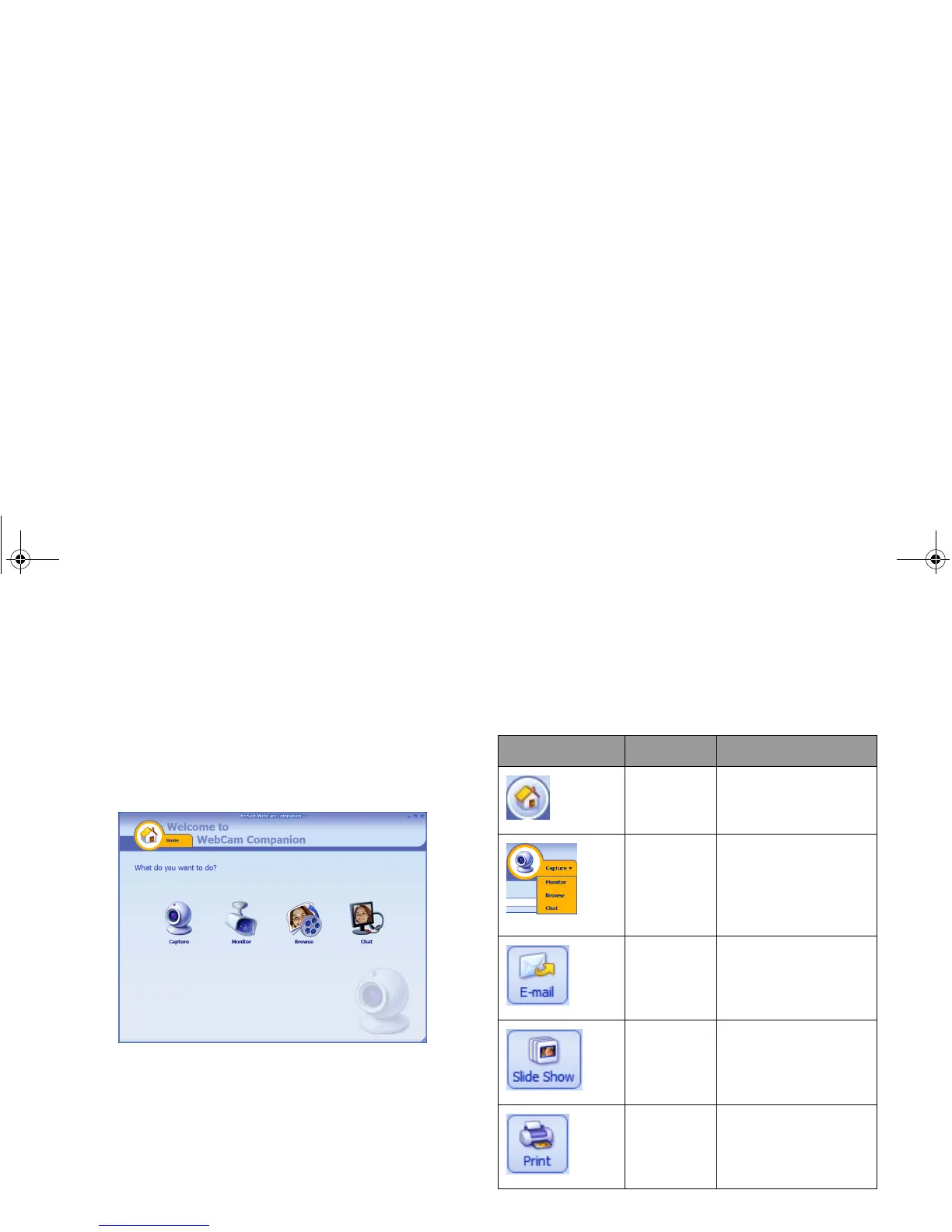
'WebCam Companion' features four modules below that helps
you get the most out of your QEye.
• Capture: allows you to capture a still image and video from
QEye.
• Monitor: detects any movement that is visible to QEye and
records it automatically.
• Browse: allows you to edit a previously captured image or
video.
• Chat: gives you quick access to a variety of instant messaging
programs that support video conferencing.
Main screen
The Main screen in any module contains the following icons
and menus.
Icon Name Description
Home Returns to the Home
screen to select other
modules.
Shows the current
module. To switch to
another module, click
the arrow to display a
drop-down menu.
E-mail Attaches the selected
files to an e-mail.
Slide Show Runs a slide show of
the selected images.
Print Prints the selected
images.
JB_R56_en.book Page 38 Tuesday, July 3, 2007 10:01 AM



 To Next Page