Touring your Joybook 11
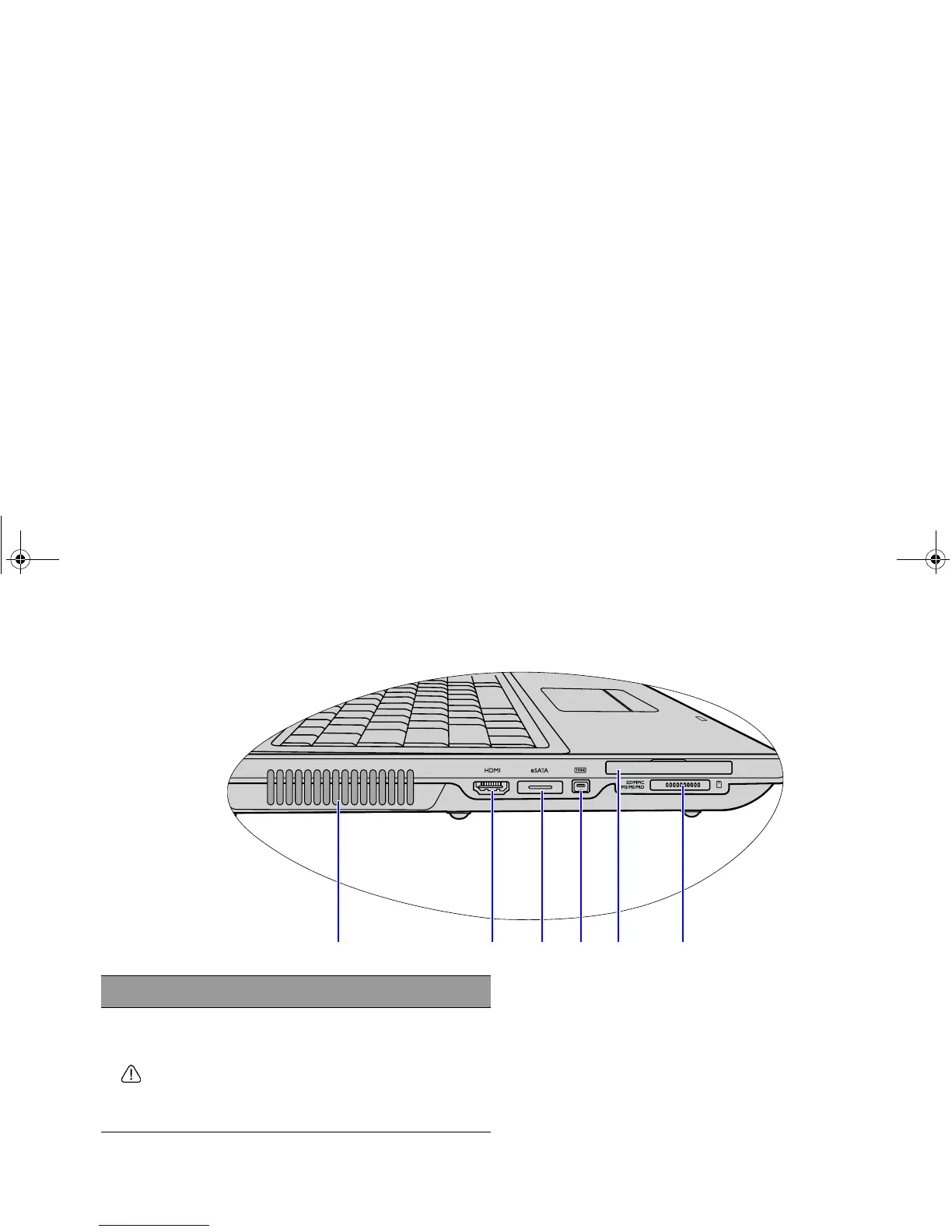
Left side view
(1) (2) (3) (4) (5) (6)
No. Left-side components
(1) Ventilation holes
For dissipating heat and keeping your Joybook at
an optimal temperature.
To prevent overheating, do not obstruct the vent. For
example, do not use the Joybook in bed where a
blanket may inadvertently cover the vent and block the
airflow.
JB_R56_en.book Page 11 Tuesday, July 3, 2007 10:01 AM



 To Next Page