Getting started 5
4. Performing initial setup
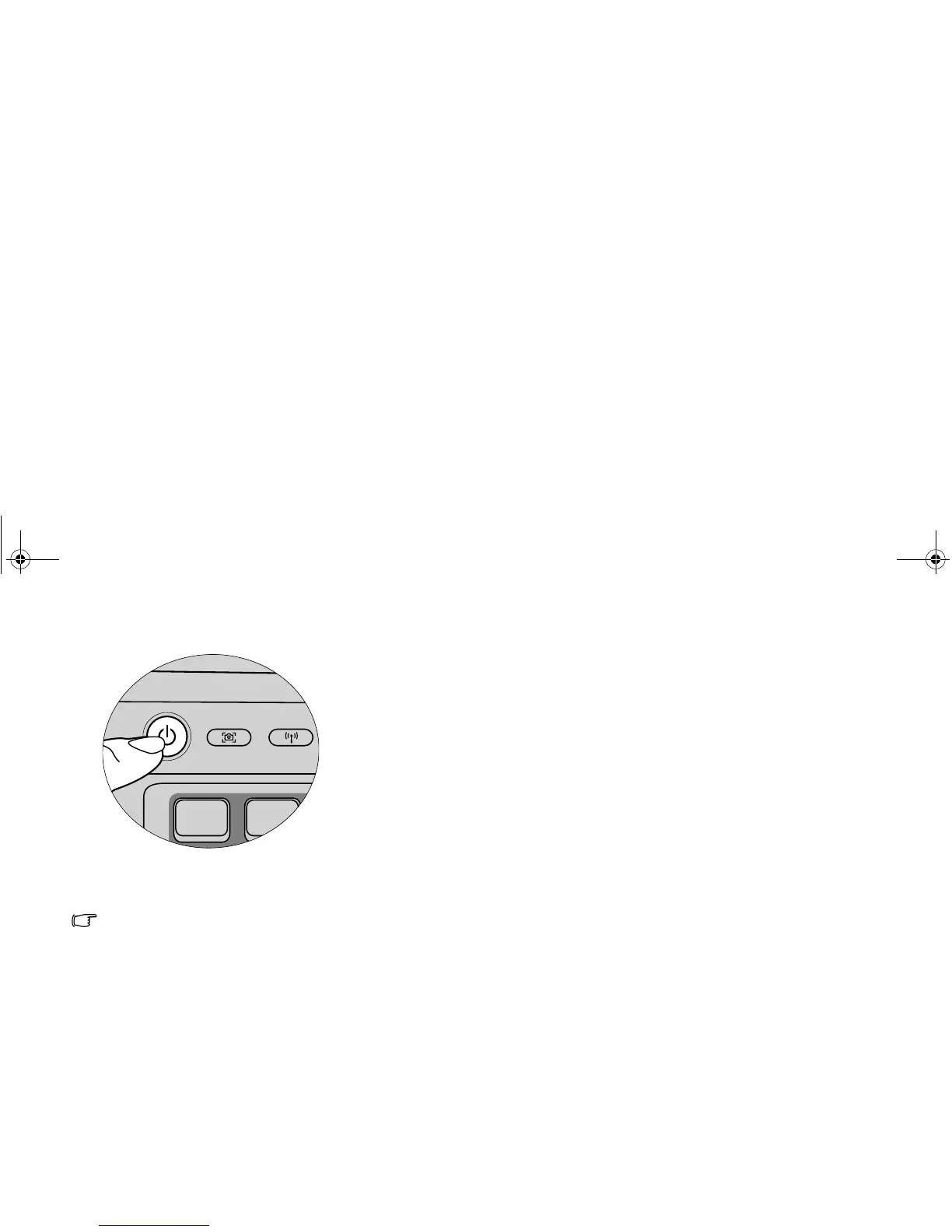
Press the Power button to start up your Joybook, and then
follow the on-screen instructions to complete the initial
Windows Vista setup.
• Your Joybook R56 Series works best with Windows Vista™
Home Basic, Windows Vista™ Home Premium, Windows
Vista™ Business, or Windows Vista™ Ultimate. Installing
other operating systems that have not been tested is not
recommended, and may not only void your warranty but also
affect the functionality of your Joybook.
• The actual operating system that comes with your Joybook
may vary. For details, refer to the Product Specification label
on the product carton.
JB_R56_en.book Page 5 Tuesday, July 3, 2007 10:01 AM



 To Next Page