Using your Joybook32
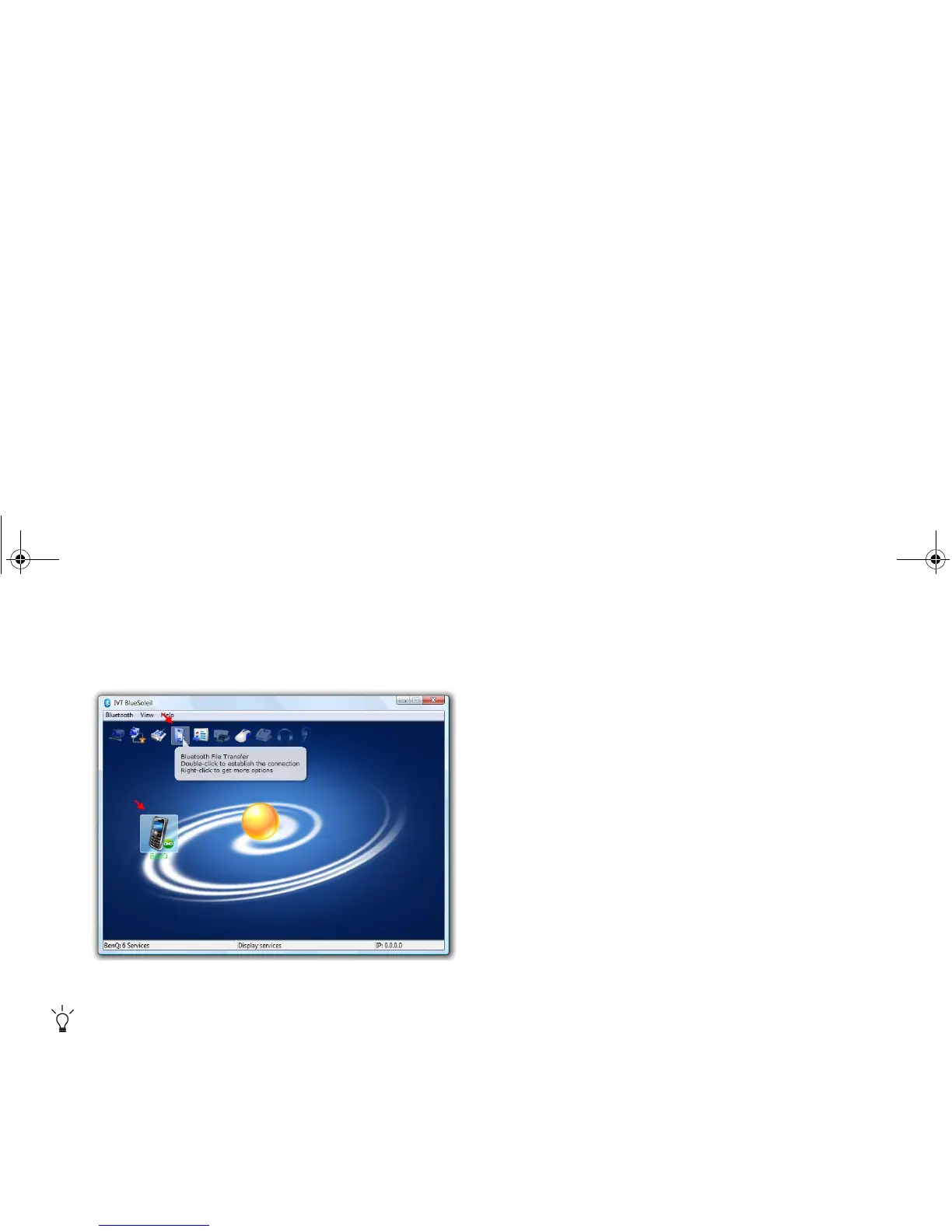
2. Click your Bluetooth device icon, and then double-click the
Bluetooth File Transfer service icon to initiate the
connection.
3. Your Bluetooth device's folder will be displayed in your
explorer window.
4. Now you can browse the folder and copy/paste the files.
The example shown above is specifically for connecting to a
mobile handset. To connect to other types of Bluetooth devices
or use other services, refer to the online Help for details by
clicking "BlueSoleil Online Help" under the "Help" menu.
JB_R56_en.book Page 32 Tuesday, July 3, 2007 10:01 AM



 To Next Page