Touring your Joybook18
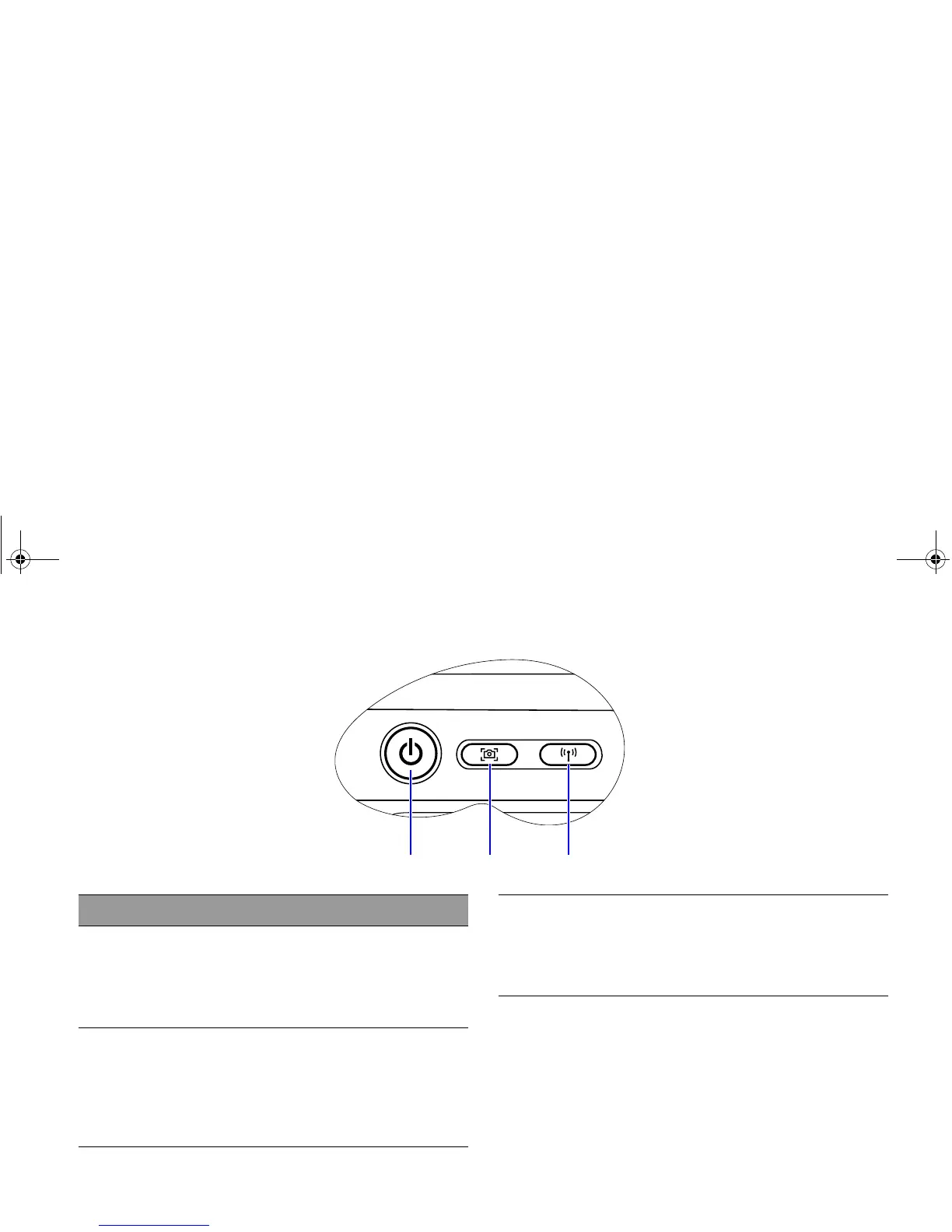
(1) (2) (3)
No. Indicators
(1) Power button indicator
• When the system is on, it lights up in blue.
• When the system is in Standby, it blinks in blue.
• When the system is off or in Hibernation, the
light goes off.
(2) QShot button indicator
• When the system is on, it lights up in blue.
• When the system is off or in Hibernation, the
light goes off.
• When pressing the QShot button, it blinks in
blue.
(3) Wireless button indicator
• When the wireless LAN is turned on, it lights up
in blue.
• When the wireless LAN is turned off, the light
goes off.
JB_R56_en.book Page 18 Tuesday, July 3, 2007 10:01 AM



 To Next Page