Menu operations
34
Audio settings
Menu Descriptions
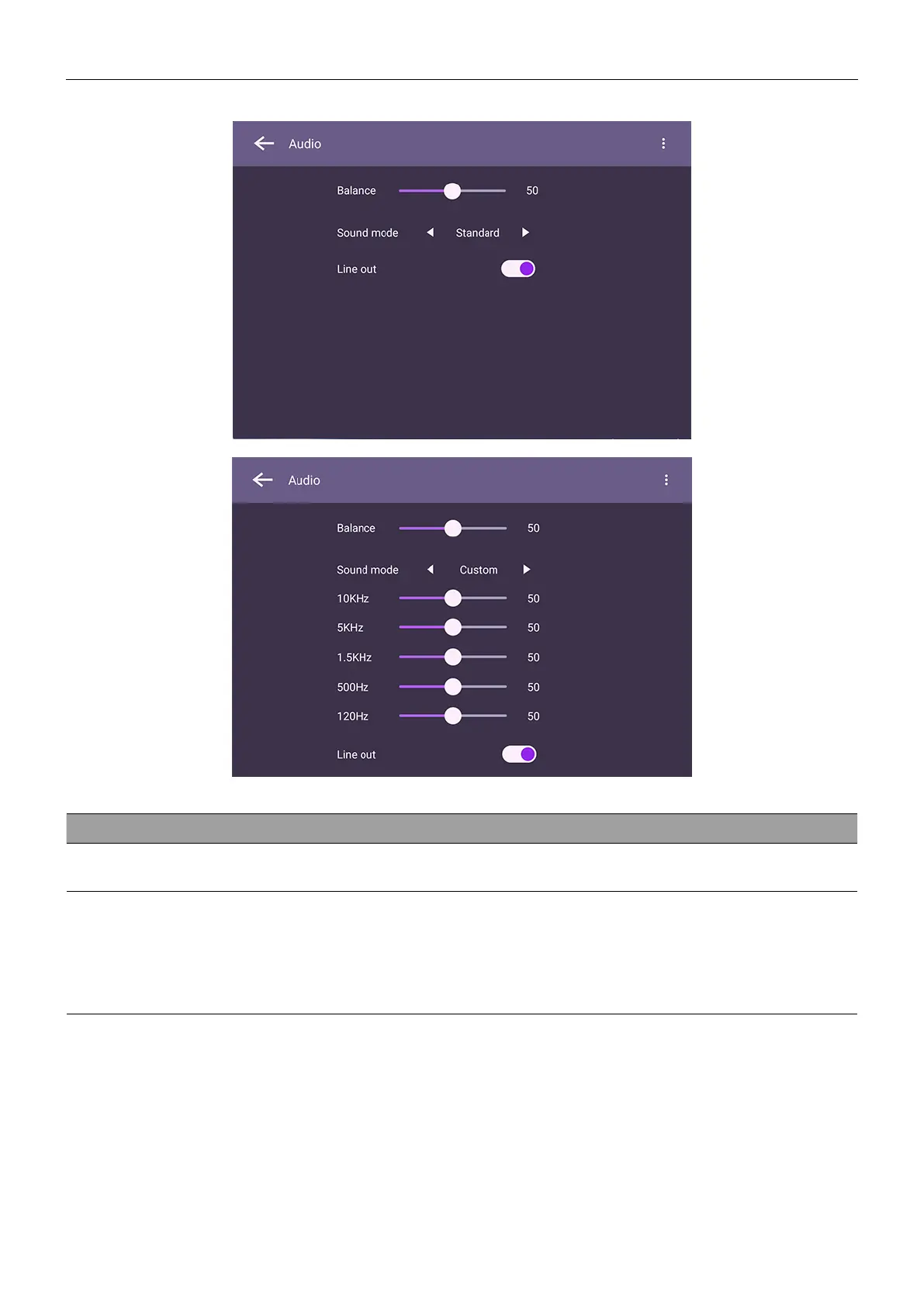
Balance
Drag the knob to adjust the balance.
Sound Mode
Touch a preset sound environment. Options are Standard, News,
Music, Movie, Sport, or Custom mode.
Under Custom mode, you can adjust the level of frequency bands
(10 KHz, 5 KHz, 1.5 KHz, 500 Hz, 120 Hz).



 To Next Page