Menu operations
35
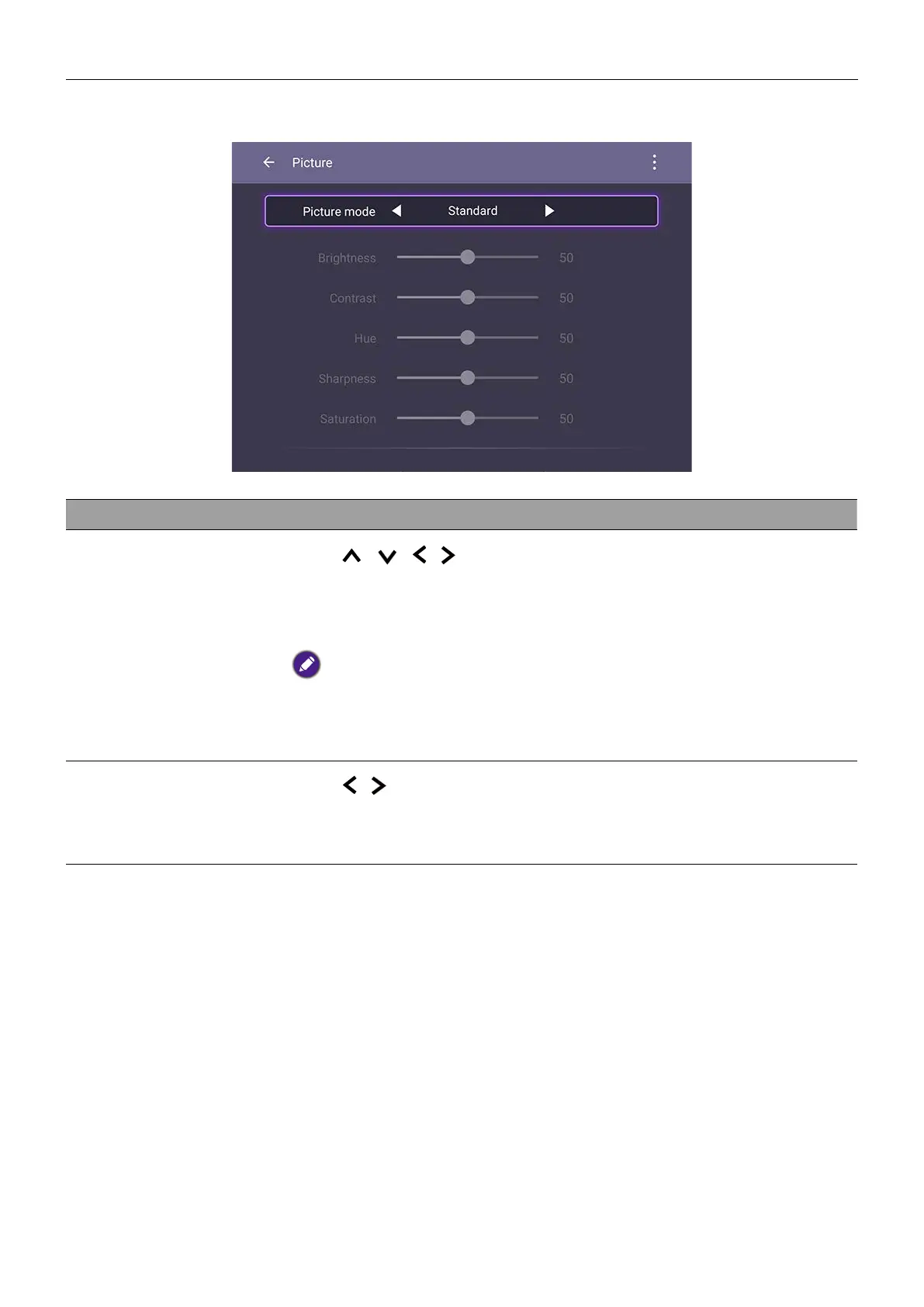
Picture settings
Menu Descriptions
Picture Mode
Press
/
/
/ on the remote control or click a picture
mode. Options are Eco, Standard, Bright, Soft, Custom1,
Custom2 and Custom3.
Under Android OS, the default picture mode is Eco and all picture
parameters (e.g., Brightness, Contrast) are locked. Users may only
adjust the parameters while connecting to other input sources. See Input
settings on 32 for more information.
Color Temperature
Press
/ on the remote control or click a preset color
temperature for the image. Options are Normal, Cool, and
Warm.



 To Next Page