Menu operations
36
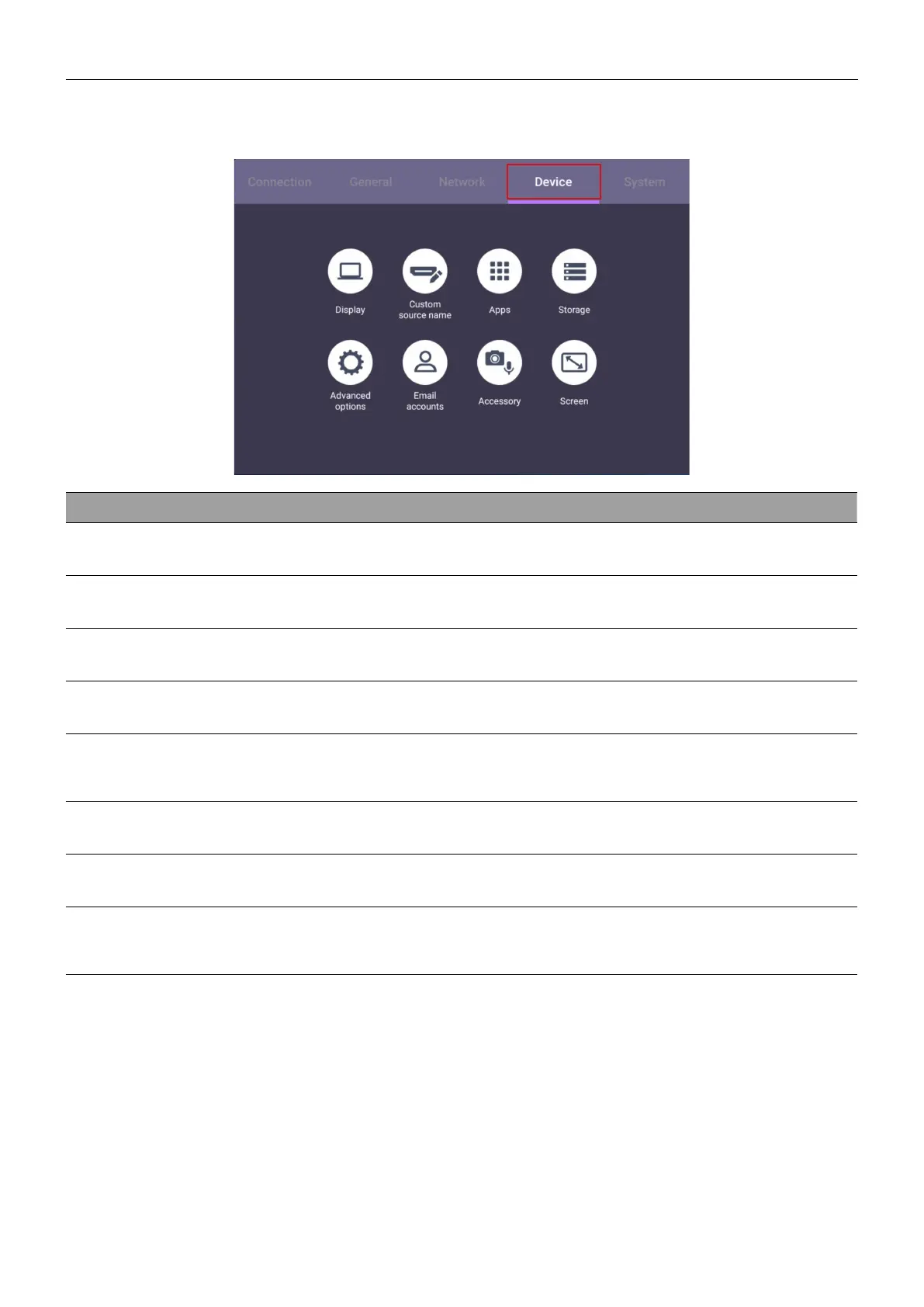
Device settings
Go to Device to access the Device settings.
Menu Descriptions
Display
Allows you to adjust the display’s parameters.
Custom Source Name
Allows you to set unique names for each input source.
Apps
Accesses all the applications installed in the dispaly.
Storage
Allows you to manage the display’s storage.
Advanced options
Accesses more device settings. See Advanced settings on
37 for more information.
Email Accounts
Sets the display’s email accounts.
Accessory
Displays current microphone information.
Screen
Allows you to adjust the display’s image settings. See Screen
settings on 38 for more information.



 To Next Page