Menu operations
37
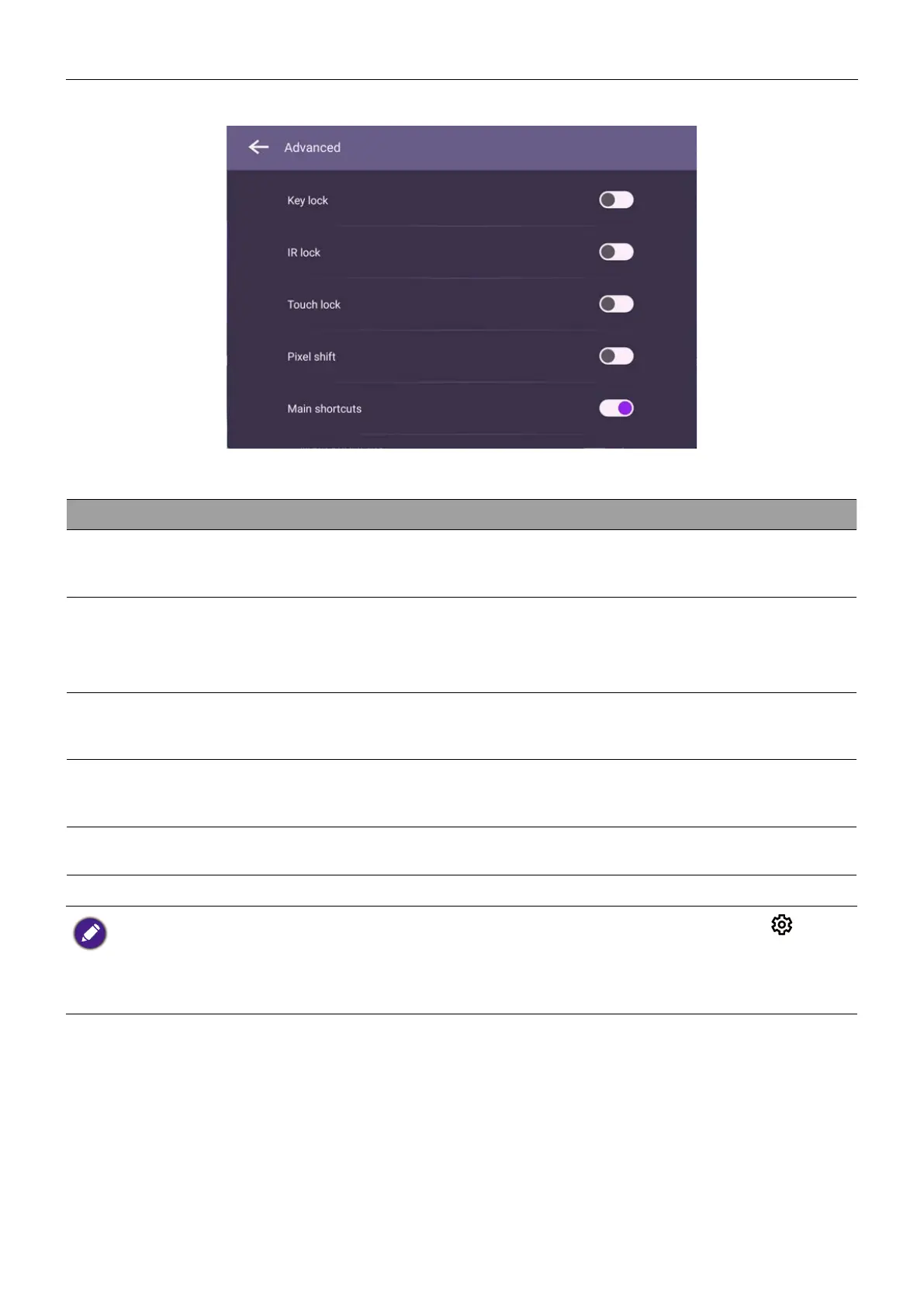
Advanced options
Menu Descriptions
Key lock
Press OK on the remote control or click the switch to lock
or unlock the buttons on the front panel of the display.
IR lock
Press OK on the remote control or click the switch to lock
or unlock the remote control IR sensor on the front panel of
the display.
Touch lock
Press OK on the remote control or click the switch to lock
or unlock the screen.
Pixel shift
Press OK on the remote control or click the icon to set a
pixel shift preventing from image retention.
DCR
Press OK on the remote control to enable or disable DCR.
• If keypad, IR and touch are locked all at once, please follow the steps to unlock: Press on the
remote control for five seconds.
• For image retention, please see Notes on the LCD panel of this display on 3 for more
information.



 To Next Page