Menu operations
38
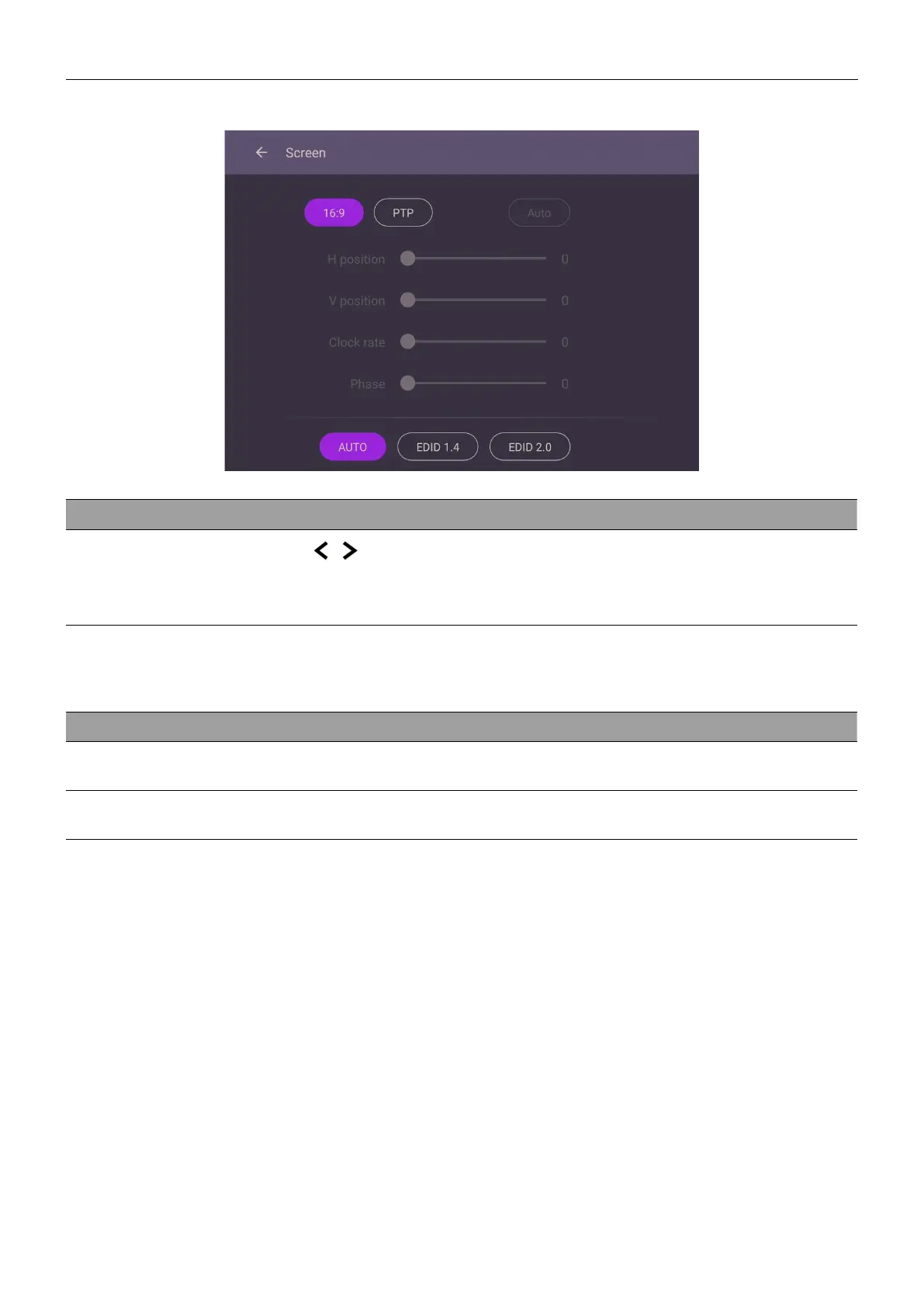
Screen settings
Menu Descriptions
Aspect ratio
Press
/ on the remote control or click an aspect ratio. Options
are 16:9 or PTP. You can also select Auto to automatically adjust
the image.
Use the H position, V position, Clock rate, and Phase functions to manually adjust
the image.
Menu Descriptions
H position
Press to move the screen to the left or right.
V position
Press to move the screen to the top or bottom.



 To Next Page