Menu operations
39
System settings
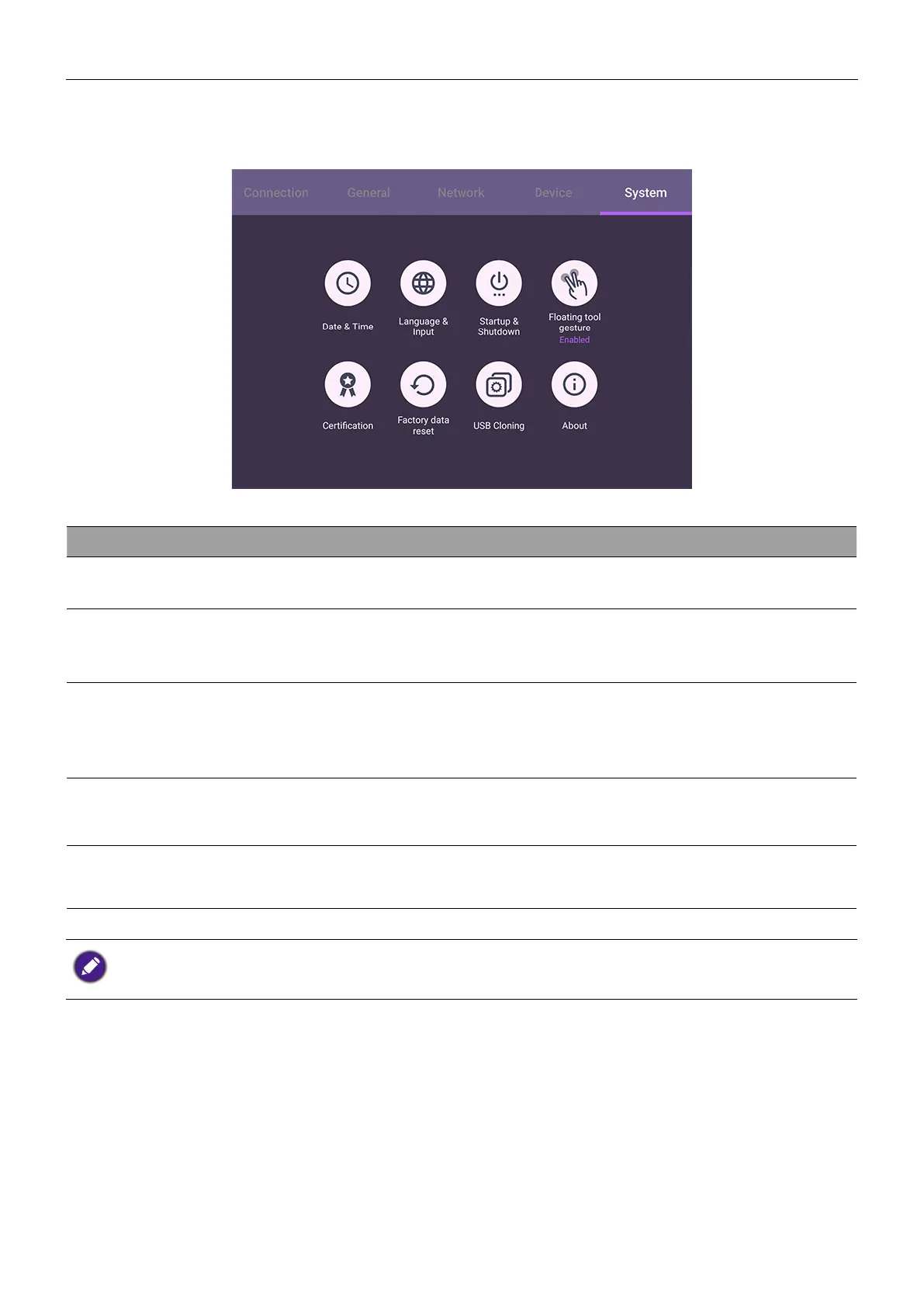
On the home screen, select Settings > System to enter system settings.
Menu Descriptions
Date & Time
Click to set date, time, and their formats in Android.
Language & Input
Click to set Language, Keyboard & Input methods in
Android.
Startup & Shutdown
Click to set the Startup channel, OPS Power options,
Wake on LAN, and Power off reminder. See Startup &
Shutdown on 41 for more information.
Floating tool gesture
Click to enable/disable activating Floating tool with two fingers.
See EZ Floating Tool on 45 for more information.
About
Click to view system information in Android.
The amount of available storage space for the user varies according to the amount of pre-
installed apps and images occupying the total storage space.



 To Next Page