34
5.6 Set display orientation
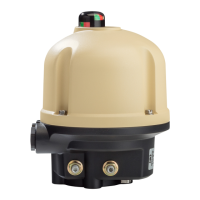
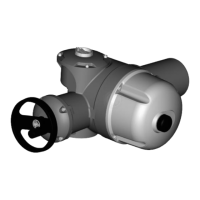
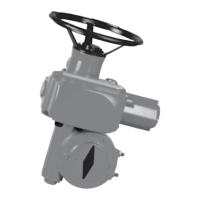
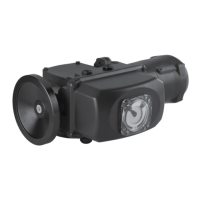
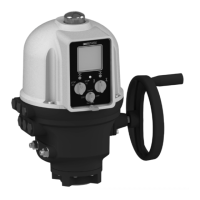
Your display orientation can be modified according to the physical
orientation of your actuator.
How to change orientation of your display
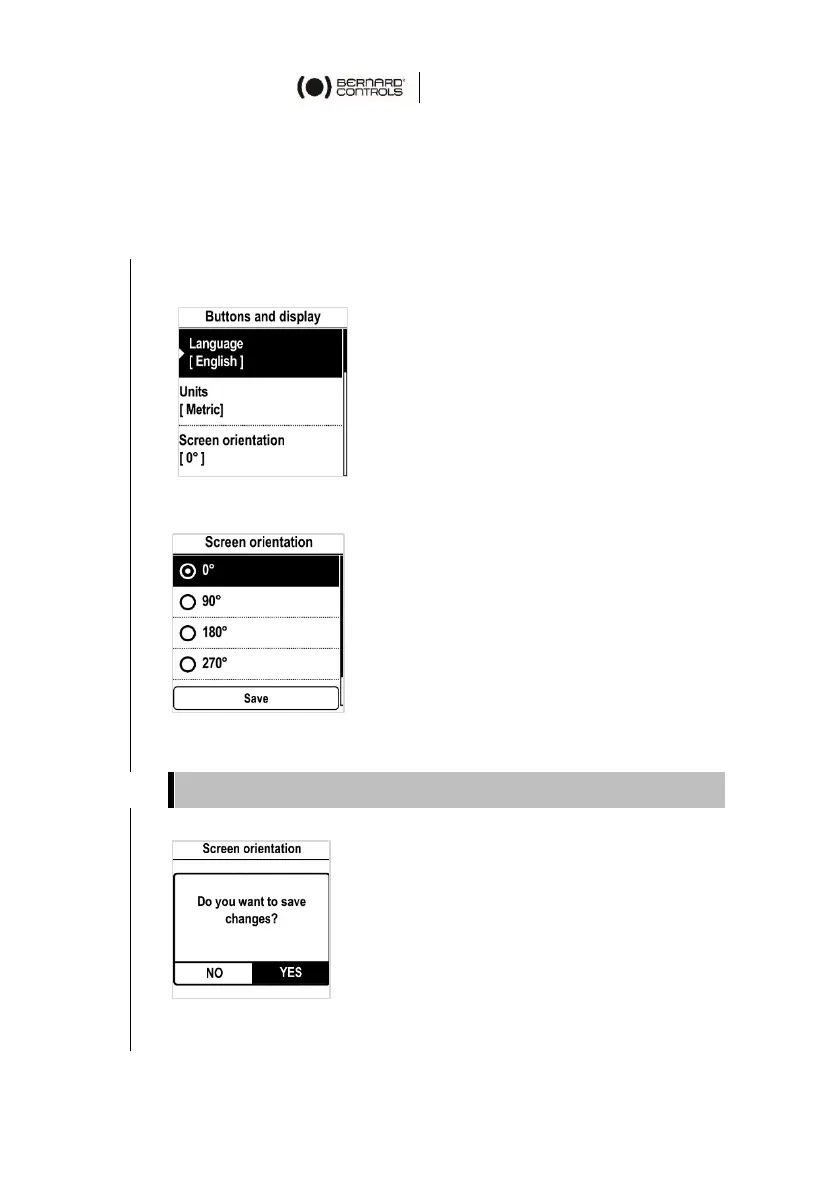
1. Enter the menu, then go to Settings > Buttons & Display.
The following screen appears.
2. Select Screen orientation then validate with OK. The
following screen appears.
3. Select rotation angle matching your actuator orientation, and
validate with OK, then go to Save and validate it.
The confirmation screen appears.
4. Select YES then validate with OK.
The display turns accordingly.
Angle values are counter-clockwise.


 To Next Page
 Loading...