13. The Red Wide Angle Driver is now installed and ready to use.
Red Wide Angle Driver Removal
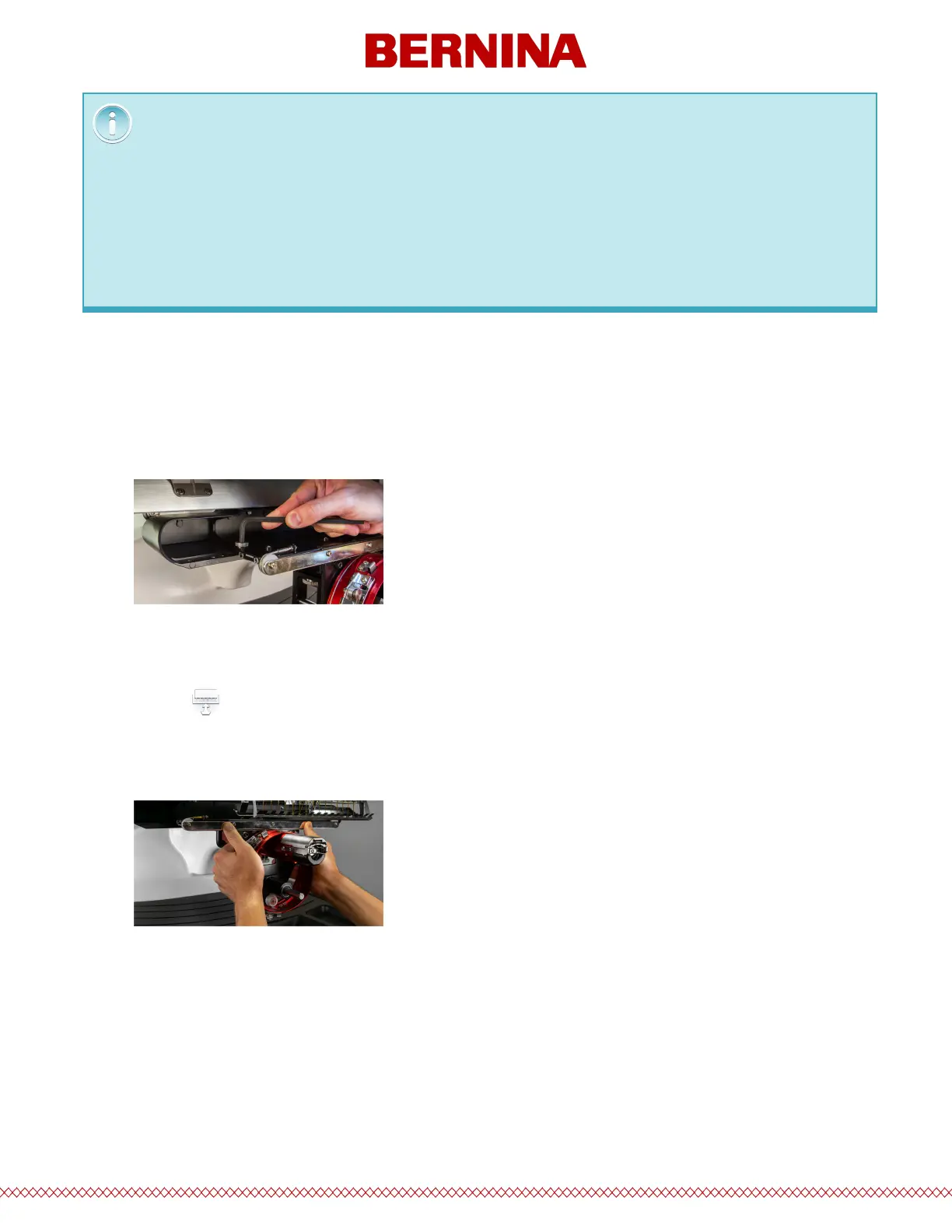
1. Starting with a 6mm Allen wrench, remove the thumbscrews attaching the red driver assembly to the
x-carriage.
2. Slide the red driver assembly toward you and o of the lower arm and support shaft. This may be
easier if the grabber bar of the machine is closed.
o Tap to close the grabber.
3. Remove the hook guard.
a. Loosen the thumb screw securing the hook guard and slide it away from the machine.
b. Set aside.
The red driver ring should slide easily over the lower arm of the machine and should allow for a
business card or two to t between the ring and the lower arm. The space should be enough for the
card(s), but no more.
If the gap between the ring and the lower arm is incorrect, or if you are unable to install the driver, it
will need to be adjusted. See the adjustment section for instructions on how to test and adjust.



 To Next Page