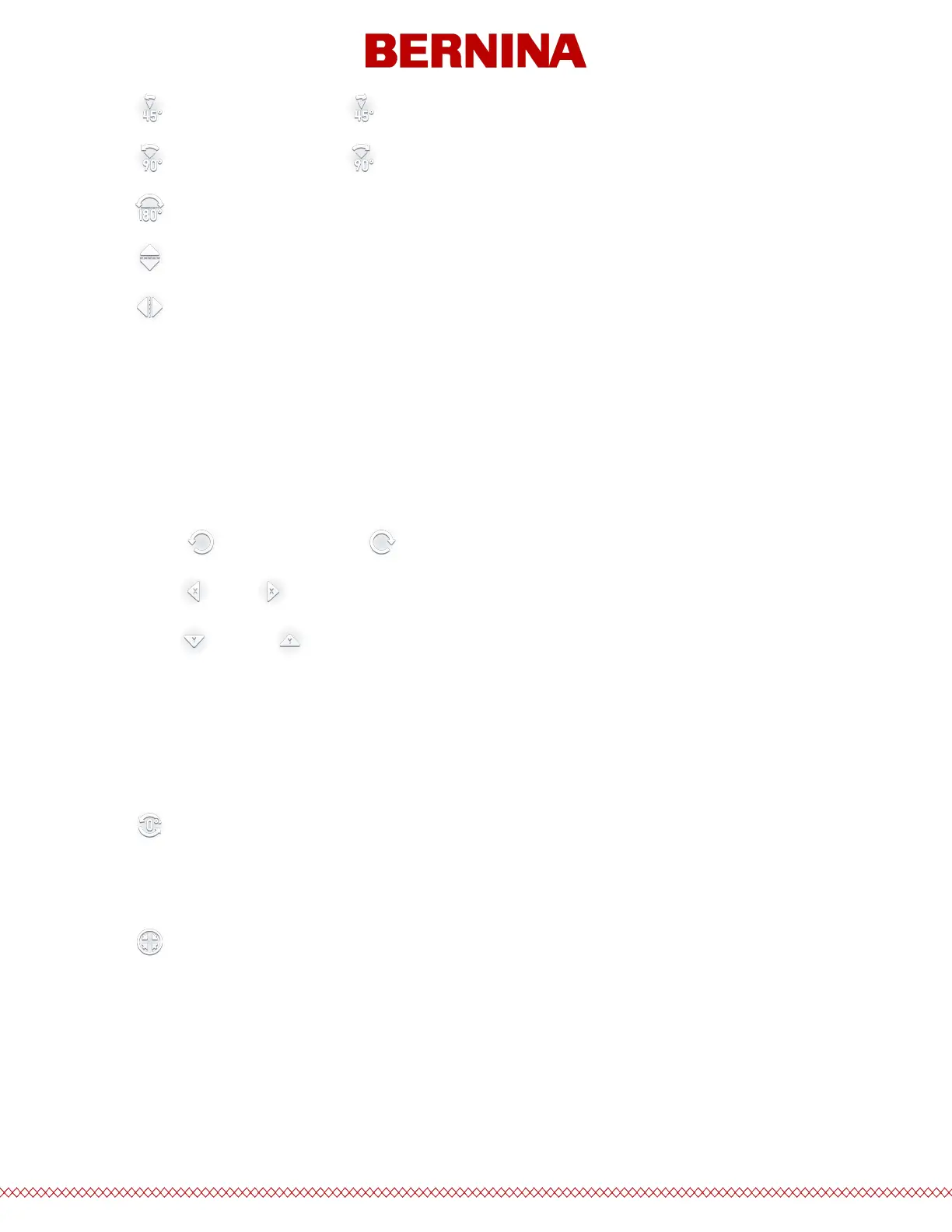
· 45° Counterclockwise or 45° Clockwise
· 90° Counterclockwise or 90° Clockwise
· 180° - often used with cap designs
· Flip the design vertically
· Flip the design horizontally
Move/Rotate By
The right side of the screen provides an area for more precision in movement and rotation.
Tap into a eld to specify an amount and then use the followingcorresponding buttons to execute the
movement or rotation.
· Rotate counterclockwise or clockwise by the specied amount
· Move left or right by the specied amount
· Move down or up by the specied amount
Actual Rotation, Reset, and Center Hoop
In the middle of the lower section of the screen, you'll nd functions for resetting rotation, the current
rotation of the design, and centering the hoop.
· Reset Rotation to 0°
o If the design elements were rotated in design software, resetting to 0° will not change them
from what is stored in the le.
· Center the Hoop
o This moves the hoop on the machine to the center of the seweld. This may dier from the
actual center of the hoop.



 To Next Page