EasyManua.ls Logo

Berthold Uni-Probe LB 491 - User Manual

Default Icon
622 pages
Print Icon
To Next Page IconTo Next Page
Loading...
JO
7LPH









User’s Manual
ID-No. 38478BA2B
Rev.-No.: 01 27.5.08
Embedded Soft. Rev. 100
Device Description Rev. 03/04 HART
Device Description Rev. 01 PA
Device Description Rev. 01 FF
Process Control
detect and identify
Density Measurement
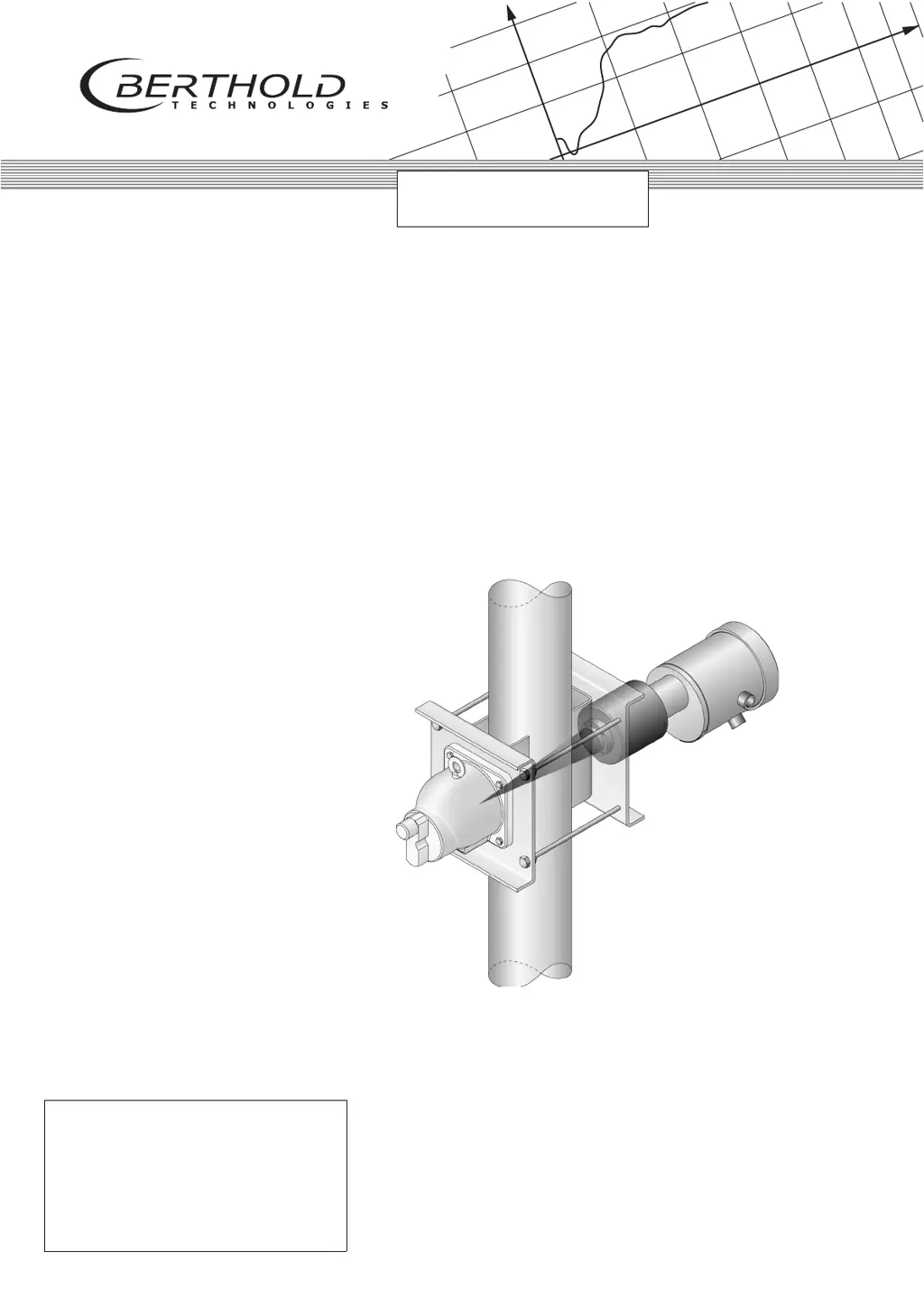
Uni-Probe LB 491
With All Supplements

Table of Contents

Questions and Answers

Summary

Uni-Probe Installation

General Information

Covers general safety precautions, product use, specific warnings, and radiation protection guidelines.

System Description

Details the Uni-Probe measuring system, hardware, principle, configuration, and technical specifications.

Installation

Provides instructions for transport, handling radioactive sources, installation methods, and detector protection.

Electrical Installation

Covers conduits, ATEX/FM/CSA connection types, terminals, switch settings, and wiring diagrams.

Repair, Maintenance and Service

Outlines safety, inspection, troubleshooting, and component replacement procedures.

Safety Manuals

Safety Instructions

General safety, operational, electrical, and radiation protection guidelines for personnel.

Radiation Protection

Explains radiation safety principles, dose calculations, shutter testing, and emergency procedures.

Source Replacement

Details the procedure for replacing radioactive sources and managing radiation exposure.

Safety Instructions for the Types of Protection ATEX; FM; CSA

Specific safety guidelines for devices operating in ATEX, FM, and CSA hazardous environments.

HART Communicator User Interface

ACCESS TO SETUP

Grants access to editable instrument parameters via configuration, calibration, or service.

PACTware User Interface FDT;DTM

Installing and Working with DTM

Guides users through installing PACTware™ and Device Type Managers (DTMs).

SIMATIC PDM User Interface HART

Getting Started with SIMATIC PDM

Step-by-step guide covering software installation, authorization, and initial setup.

Calibration with SIMATIC PDM

Outlines prerequisites and preparatory steps for calibrating the Uni-Probe using SIMATIC PDM.

Error Handling

Details device error responses, handling modes, and corrective actions.

FOUNDATION Fieldbus User Interface

Error Handling

Covers device error responses, handling modes, and corrective actions for Fieldbus communication.

Summary

Uni-Probe Installation

General Information

Covers general safety precautions, product use, specific warnings, and radiation protection guidelines.

System Description

Details the Uni-Probe measuring system, hardware, principle, configuration, and technical specifications.

Installation

Provides instructions for transport, handling radioactive sources, installation methods, and detector protection.

Electrical Installation

Covers conduits, ATEX/FM/CSA connection types, terminals, switch settings, and wiring diagrams.

Repair, Maintenance and Service

Outlines safety, inspection, troubleshooting, and component replacement procedures.

Safety Manuals

Safety Instructions

General safety, operational, electrical, and radiation protection guidelines for personnel.

Radiation Protection

Explains radiation safety principles, dose calculations, shutter testing, and emergency procedures.

Source Replacement

Details the procedure for replacing radioactive sources and managing radiation exposure.

Safety Instructions for the Types of Protection ATEX; FM; CSA

Specific safety guidelines for devices operating in ATEX, FM, and CSA hazardous environments.

HART Communicator User Interface

ACCESS TO SETUP

Grants access to editable instrument parameters via configuration, calibration, or service.

PACTware User Interface FDT;DTM

Installing and Working with DTM

Guides users through installing PACTware™ and Device Type Managers (DTMs).

SIMATIC PDM User Interface HART

Getting Started with SIMATIC PDM

Step-by-step guide covering software installation, authorization, and initial setup.

Calibration with SIMATIC PDM

Outlines prerequisites and preparatory steps for calibrating the Uni-Probe using SIMATIC PDM.

Error Handling

Details device error responses, handling modes, and corrective actions.

FOUNDATION Fieldbus User Interface

Error Handling

Covers device error responses, handling modes, and corrective actions for Fieldbus communication.

Berthold Uni-Probe LB 491 Specifications

General IconGeneral
BrandBerthold
ModelUni-Probe LB 491
CategoryMeasuring Instruments
LanguageEnglish

Related product manuals