4.2 Description of the keys
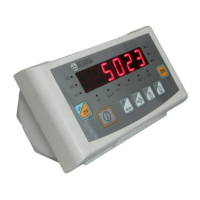
Refer to Figure 4.1 on page 1-35:
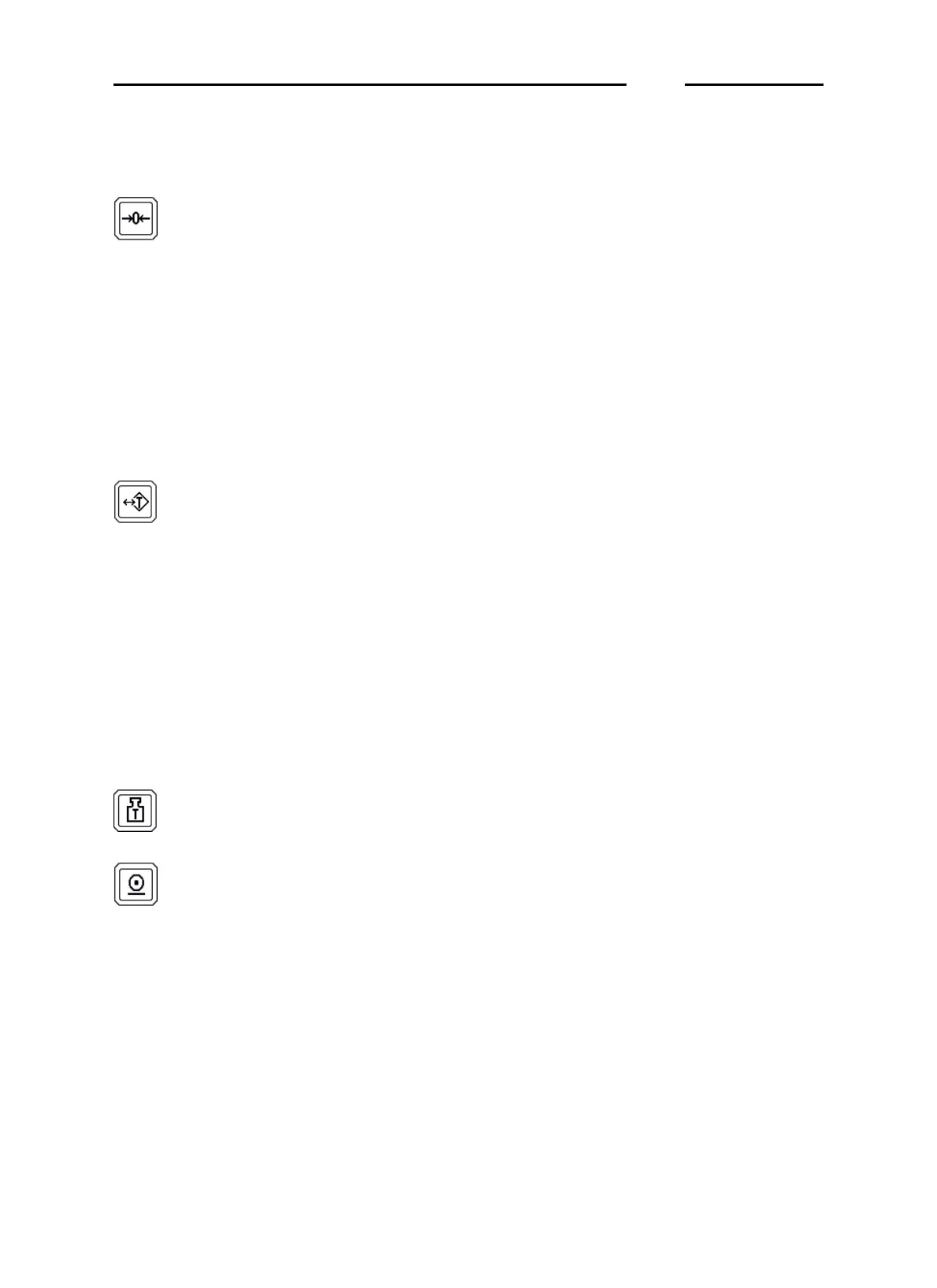
Zero-set weight
Press the key to set the weight to zero but only in
the presence of the following conditions:
✔ the weight value must be within the -1% to +3%
range of the weighing capacity for terminals
where metric verification is obligatory and ±
50% of the capacity for other terminals;
✔ the weight must be stable;
✔ no tare must have been entered.
Enter/cancel tare
Press this key to acquire the weight on the
platform as tare value but only in the presence of
the following conditions:
✔ the weight must be stable;
✔ the weight value must be positive;
✔ the weight must not exceed the maximum
capacity.
Press again to cancel the acquired tare.Il tasto di
accensione o spegnimento
Tare display key
Press this key to display the set tare value.
Print and/or send
Press this key to print out the weighing data
and/or transmit a string of data via the configured
port in serial mode.
D70
1-37



 To Next Page